How to Make Video and Photography an Integral Part of Your Social Media Marketing Strategy.

Make Video and Photography an Integral Part of Your Social Media Marketing Strategy and witness your engagement levels growth.

Social media marketing is a powerful tool that can help businesses reach new customers, increase brand recognition, and boost sales. As businesses increasingly rely on social media to grow their audience, video and photography have become essential components of a successful social media marketing strategy. By leveraging the power of video and photography, businesses can create more engaging content, reach new audiences, and increase their social media presence. By understanding how to make video and photography an integral part of your social media marketing strategy, you can effectively reach and engage your target audience on the platforms they use the most.

What is social media marketing?

Social media marketing is a strategic marketing approach focused on building relationships and driving engagement through social media channels. It allows businesses to build their brand and reach new audiences by growing their social media presence on various social media platforms. Social media marketing can be used to increase brand awareness, drive traffic to a website, build relationships with customers, increase sales, and engage with customers. Although a variety of social media channels can be used as part of a social media marketing strategy, the most common platforms used for social media marketing are Facebook, Instagram, Twitter, and Pinterest.

Benefits of including video and photography in your social media strategy

Video and photography can help you craft a more memorable brand identity, increase customer engagement, and drive more traffic to your website. When done correctly, video and photography can also help you build a loyal following. When people are scrolling through their social media feeds, the last thing they want to do is stop and read a bunch of paragraphs. They want to be instantly engaged and inspired, and the best way to do that is with visuals. If you want to make an impact on your audience and drive more engagement, video and photos are the way to go. Here are some other benefits of including video and photography in your social-media marketing strategy: – Create more memorable content: A picture might be worth a thousand words, but a video is worth a thousand pictures. Video can help you create content that is more memorable and engaging, which can help you build a more engaged audience and increase your brand recognition. – Drive more traffic to your website: People are more likely to purchase from a brand if they are inspired by the content. Including video and photography in your social media strategy can help you drive more traffic to your website by inspiring your audience to take action. – Build a loyal following: Social media is all about creating relationships with your audience. Videos and photos are more engaging, and people are more likely to stick around if you are offering them something visual. – Improve your brand identity: Video and photography can help you craft a more memorable brand identity and make your content more relatable. – Utilize vertical video and photography: Since most social media content is viewed on a mobile device, you might as well make the most of the screen real estate. Vertical video and photography can help you use the space better and have a more immersive experience on social media.

Tips for creating effective video and photography content

Before you begin creating video and photography content, it is important to determine your goals and understand your audience. Then you can brainstorm ways to create content that meets their needs and meets your goals. Here are some tips for creating effective video and photography content: – Define your goals: Before you get started with video and photography content, it is important to define your goals. What do you want to accomplish with your video and photography content? What problems are you hoping to solve? – Know your audience: Understanding your audience and what they want from your video and photography content is key to creating effective content. If you want to increase engagement, you might want to consider video content. If you want to drive more traffic to your website, you might want to consider photography content. – Brainstorm ways to create video and photography content: Once you have determined your goals for video and photography content, it is time to get creative and brainstorm ways to create video and photography content. You want to make sure that the content you create aligns with your goals and your brand. – Keep your content short and to the point: Most social media users don’t have the attention span to sit through a three-minute video. People are scrolling through their feeds quickly and want to get the information they are looking for quickly.

Strategies for using video and photography to increase engagement

Video and photography are great ways to increase engagement and drive more conversation on social media. Here are a few strategies for using video and photography to increase engagement: – Create a consistent social media presence: Consistent social media posts can help you build a more engaged audience on social media. Create a social media content calendar to stay consistent in your posting. – Post at the best times: The best time to post on social media varies based on your industry and target audience. You can use tools like Later to find out when your audience is online and see what days and times get the most engagement. – Incorporate video and photography into your content: You can use video and photography throughout your content, not just in one post. Incorporating video and photography throughout your content can help you make a bigger impact and increase engagement. – Collaborate with other social media users: Collaborating with other social media users and involving your audience in your video and photography content can help you create more engaging content.

creating engaging content with our camera crews using photography and video for each project

Best practices for optimizing video and photography content

Once you have created your video and photography content, it is important to optimize it for social media. Optimizing your video and photography content can help you increase engagement and reach a wider audience. Here are some best practices for optimizing video and photography content: – Create a consistent brand identity: Make sure that all of your video and photography content aligns with your brand identity. If you are a B2B brand, don’t create video content that is light, silly, and fun. Keep it consistent and professional. – Create consistent intros and outros: Brand intros and outros are a great way to stay consistent in your video content. You can also use these to direct your audience to other parts of your website or social media pages. – Keep your video and photography short: Most social media users don’t have the attention span to sit through a three-minute video. People are scrolling through their feeds quickly and want to get the information they are looking for quickly. – Host video and photography on your website: You can host your video and photography on your website and use social media to direct your audience to your site. This can help you drive more traffic to your website and increase conversions.

314-913-5626
Mike Haller
St Louis Video Producer
stlouiscameracrew@gmail.com

Create Instructional Videos for Your Specific Needs

Do you need to train more employees, but are unable to keep up with the demand for training? Or do you have trainers who are not able to train all the employees because of time constraints and availability? In both cases, creating instructional videos is a great solution. Instructional videos will make it easier for employees to learn new skills on their own time. These videos can be used for initial employee training as well as ongoing reinforcement. Creating instructional videos is a simple way to give your employees the one-on-one training they need. Here’s how you can create instructional videos that meet your specific needs.

What is an Instructional Video?

An instructional video is a recording of an activity or process that is designed to educate or train viewers. These types of videos are used in many different industries and settings, including online courses, corporate training videos, and coaching and mentoring content. Instructional videos can be live-action videos, animated videos, or a combination of both. When creating an instructional video, you’ll need to decide on the type of video that best meets your needs. There are three main types of instructional videos: instructional, how-to, and demonstration.

Write a Script

A script is a key step in the process for creating a high-quality video. Without a script, you may run the risk of creating a video that doesn’t have a clear message or that is too long. Your script should be based on the training needs of your employees. Depending on the type of instructional video you are creating and the information you want to include, the script will be different. In most cases, you’ll want to keep your script short. Aim for between 60 and 90 seconds per video. When writing your script, make sure to include the following elements: – Introduction: Include an opening that clearly states the topic of your video and the reason it’s being created. This introduction should also be written in a way that grabs the attention of your audience and encourages them to keep watching. – Audience and context: Next, you’ll want to address your audience and include some information about the context of your video. This is where you might include a few details about the company or industry that your video will be used for. – Key points: In this section, list the key points you want to cover in your video. You can include more than one key point if necessary. Make sure to include enough detail to thoroughly cover each key point. – Closing: End your video by summarizing the key points you covered and reminding your audience of any takeaways you’d like them to remember. This part of your script should be short and to the point.

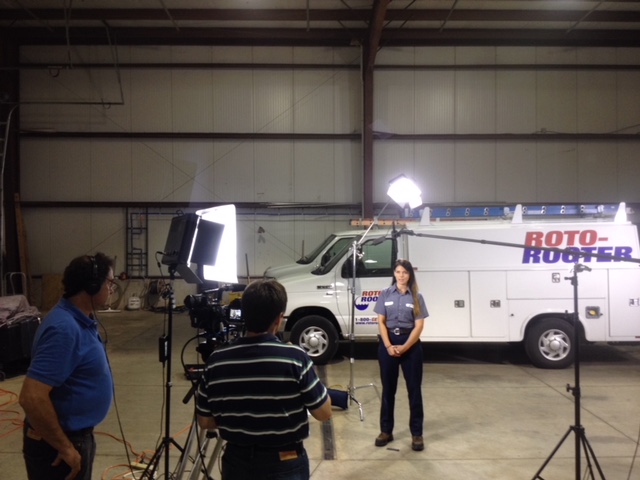
st louis camera crews on location creating a training video

Find the Right Filming Location

There are a few different factors to consider when choosing the filming location for your instructional video. First, consider the message you want to send by filming at a specific location. If you’re creating an instructional video for your employees, you might want to film the video at your office location. You should also consider the availability of the filming location and whether or not it’s accessible to everyone. Make sure to account for any accessibility issues when choosing a filming location. Finally, you’ll want to take into account the equipment needed for filming. Depending on the type of video you’re creating, you’ll likely need a camera. For example, if you’re creating a live-action video, you’ll want a camera that supports filming in that setting.

Record Talking Heads of Employees Doing Their Job

If you’re creating a how-to or instruction video, you’ll likely want to include talking heads in the video. Talking heads are sections of a video that feature an employee or subject matter expert discussing a topic. You’ll want to record at least one talking head for each main point in your script. When recording the talking head, make sure the employee is in front of a plain background that doesn’t contain any distractions. When you’re recording the talking heads, have employees wear a blue shirt or something that stands out from the background. This will help you easily edit out the background in the final video.

step by step instructional videos

Add Voice-Over and Sound Effects

Once you’ve recorded the video and have the necessary talking heads, you can move on to editing the video. During the editing process, you’ll want to focus on adding a voice-over and sound effects. When editing the talking heads, you’ll want to make sure you cut out any unnecessary material. You also want to move the talking head out of the frame as quickly as possible. This will help the video appear more seamless. When editing the voice-over, make sure to keep the narration short and succinct. You should also aim for a voice that works well with your company image. Plus, make sure the voice-over matches the energy of the video.

Conclusion

Creating instructional videos is a great way to train employees who are unable to attend in-person training sessions. These videos can also be used to provide one-on-one training for employees who excel at self-guided learning. To create high-quality instructional videos, you’ll need to write a script and record talking heads of employees doing their job. You’ll also want to add voice-over and sound effects during the editing process.

314-913-5626
Mike Haller
St Louis Video Producer
stlouiscameracrew@gmail.com

Video Production Company | Video Crews

St Louis Camera Crews brings you advanced knowledge and the latest HD equipment and full packages for lighting, sound and any support services that your project can need or imagine. Our clients include A-B InBev, Bayer, Nestle Purina, Pfizer a host of advertising and PR firms and hundreds of clients directly both large and small.

We continue to be one of the most timely and helpful partners that you can have in the growing world of media production.

314-913-5626
Mike Haller
St Louis Video Producer
stlouiscameracrew@gmail.com
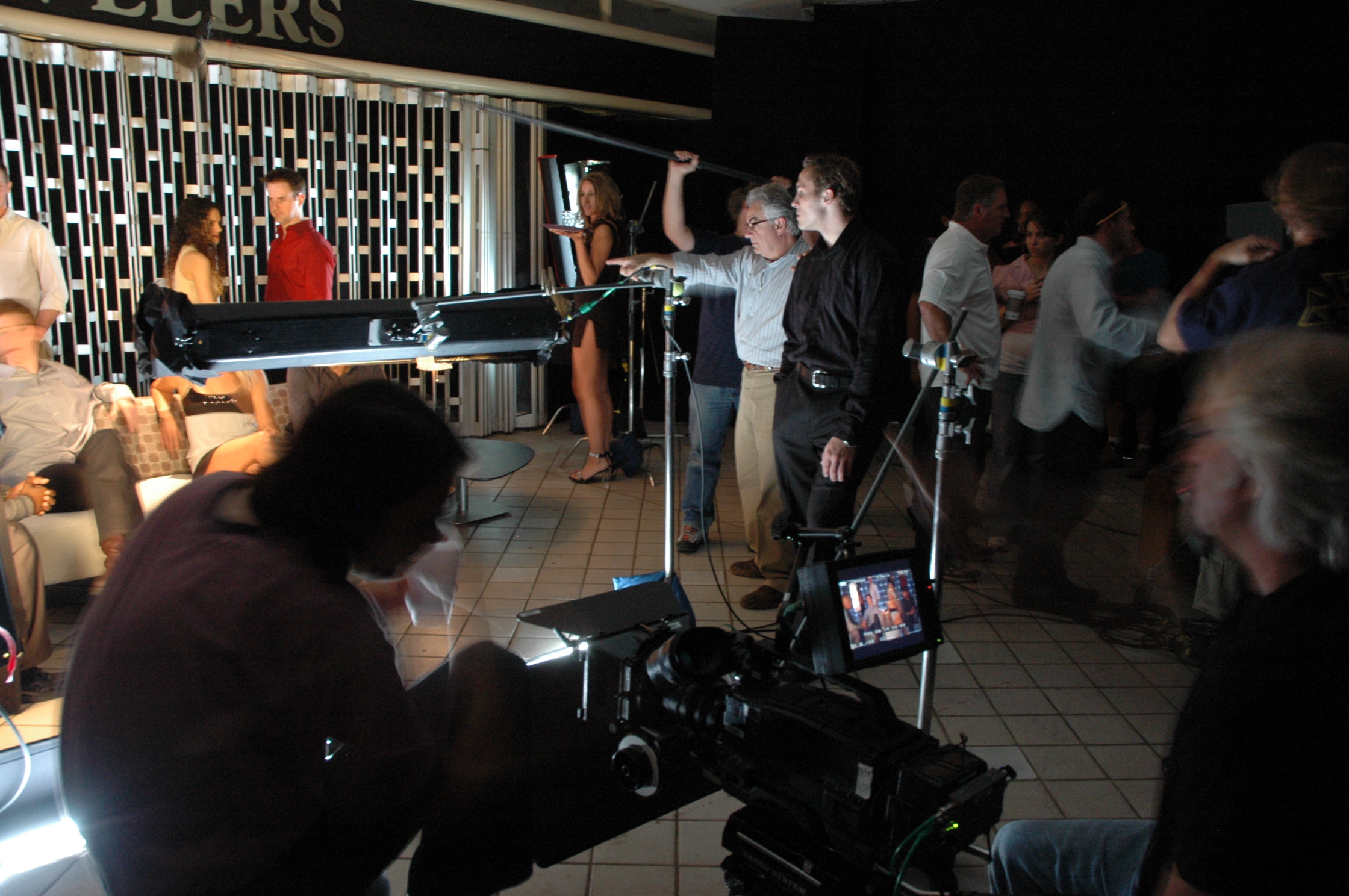
Commercial camera crews for marketing and testimonials.

We specialize in professional corporate video production for in-house brand teams and marketing agencies to create professional branded content, product videos and corporate recruiting videos.

Our highly experienced video producers, directors, and cinematographers are professionals at going above and beyond to make your vision come to life. They will be on-site to ensure the video production process goes as smoothly as possible, from start to finish. We assemble the right talent, crew, and locations to accomplish the necessary steps to achieve your creative vision.

314-913-5626
Mike Haller
St Louis Video Producer
stlouiscameracrew@gmail.com
Live event streaming for drone and video production.

We’re an experienced team of creative video production professionals creating branded content & visuals that complete your vision and fit your budget.

No matter the scope of your creative concepts, be it big broadcast or a small budget online film, our team’s talent, technology, and experience allows your ideas to move from shoot to audio to post and final design in a seamless integrated fashion.

Let’s begin. Let’s create your message that sells, builds brands and connects.

Production

Full Service Video Production, Location & In-studio, from Script to Screen

Audio

Location Sound, Custom Music, Experienced Talent Recordings

Video Post

Editing, Post-Production, Visual Special Effects, Video graphics and animation

Aerial Photography

Aerial Videography, Mapping Projects, Fully licensed & insured

Studio Rental

Studio Rental, Cyc wall, Dressing & Makeup Room and Gear

314-913-5626
Mike Haller
St Louis Video Producer
stlouiscameracrew@gmail.com
Saint Louis, Missouri, USA  | St Louis Video Production

St Louis Camera Crews for Ground and Aerial Footage

Experienced Camera Crews

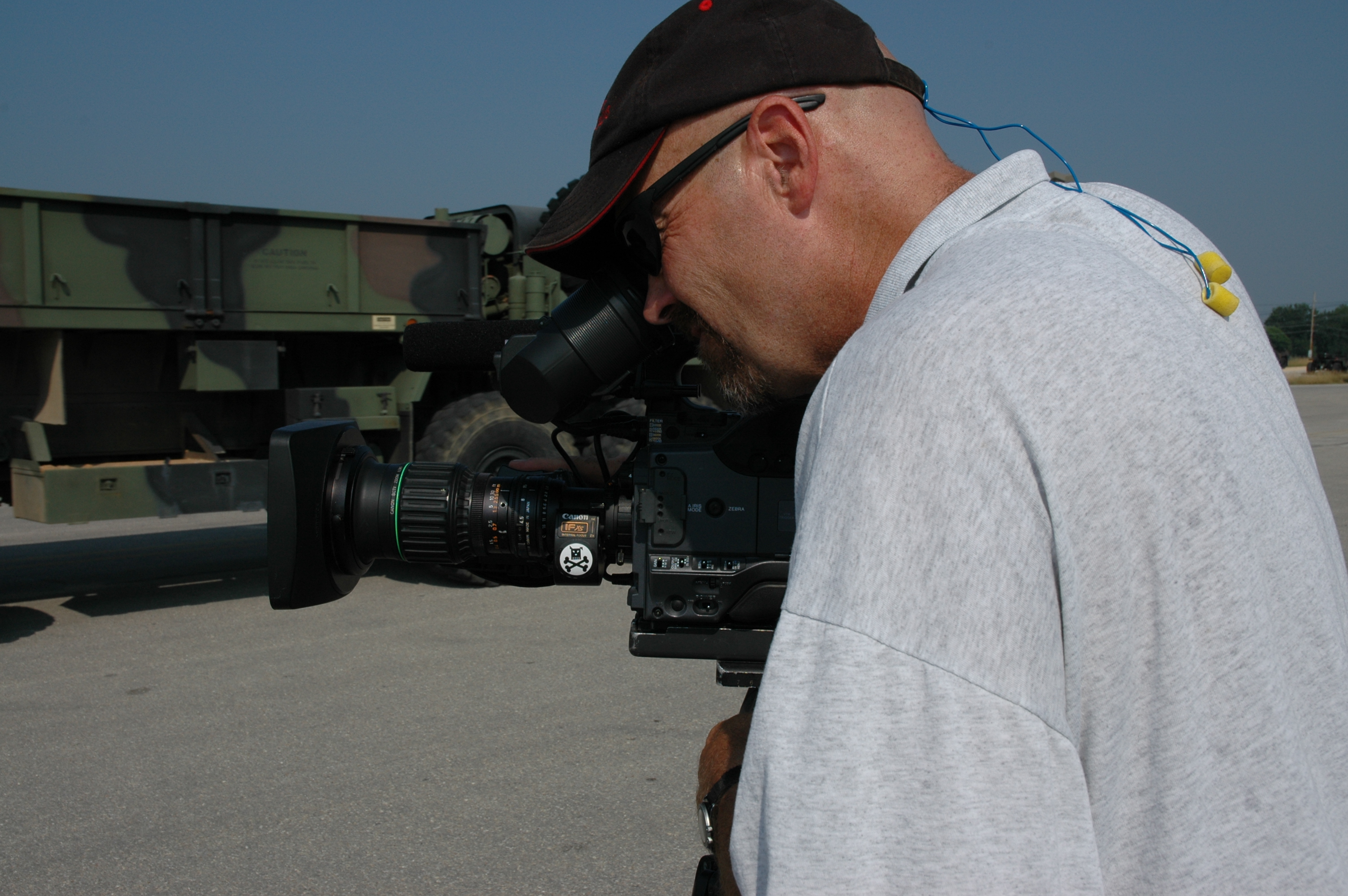
Our video production crews are experienced professionals with full credentials and years of industry experience in broadcast programming, commercials, documentaries and corporate marketing videos.  Whether you need a videographer for a single day shoot or a production crew, our video team is staffed with highly skilled local professionals.

We specialize in corporate, advertising and editorial photography for clients of all types and sizes. We’re local and have a long record of efficiently producing high-quality portraits, architectural images and product photography, as well as corporate event photography and editorial assignments.

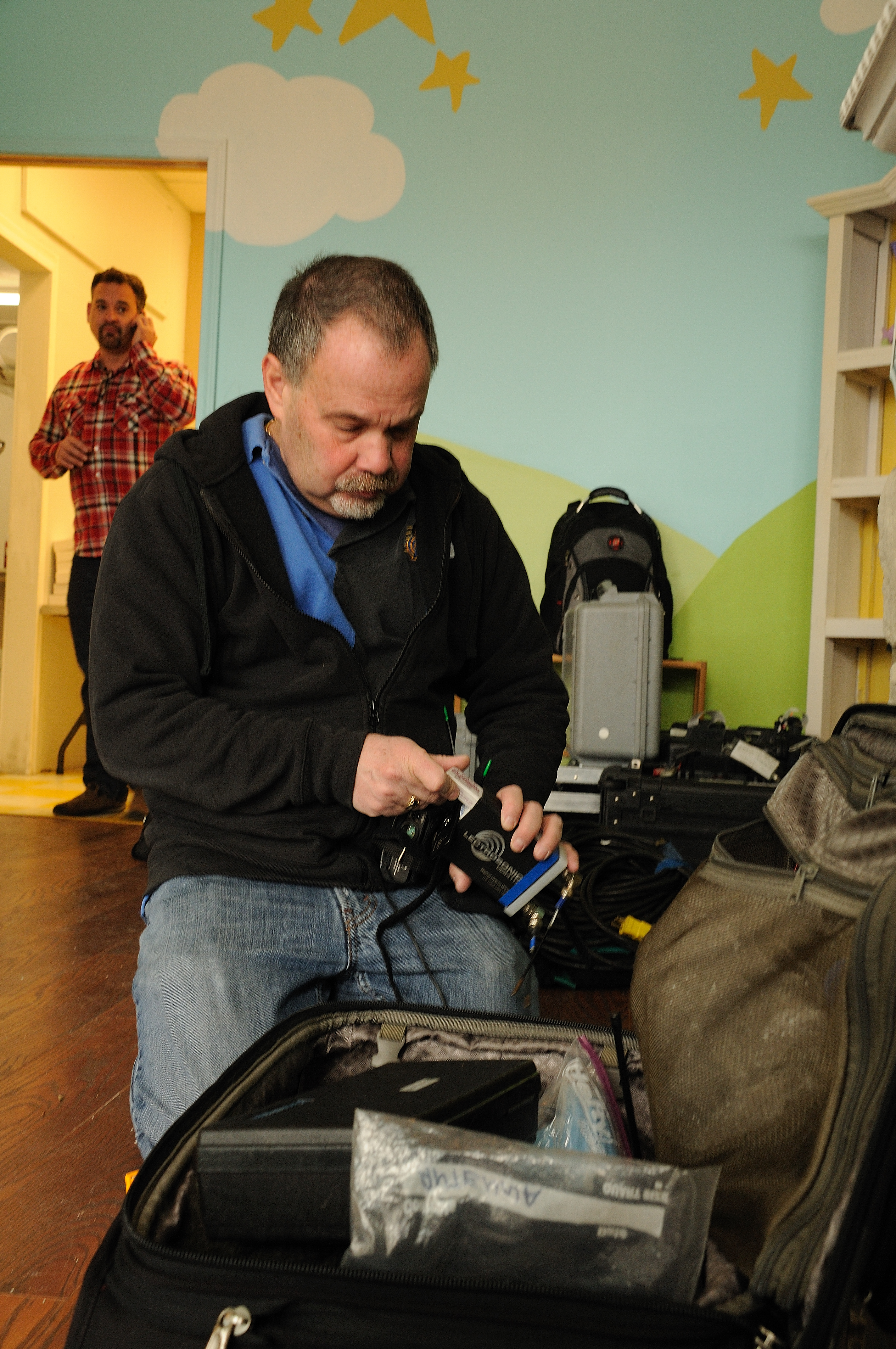
st louis camera crews on location

Studio Location: We have a full-service studio or we can provide a full range of photo & video services anywhere on location. This will help you save money. You won’t have to shut down to go the photo studio!

experienced cleanroom video crews

Whether we’re directing a large ad agency shoot for a prestigious agency or a low-budget portrait for a corporate marketing department, we bring creative energy and decades of experience to every project.

314-913-5626
Mike Haller
St Louis Video Producer
stlouiscameracrew@gmail.com
Saint Louis, Missouri, USA  | St Louis Video Production

St Louis Drone Photography

St Louis Aerial Photography for GM Wentzville

St Louis Aerial Photography for GM Wentzville

We fly with the Inspire Cinematography platform and camera.

The Inspire has a curved lens design which eliminates distortion, and the 20mm focal length opens up your shots to a remarkably wide angle without that fish-eye look.  The camera shoots video at 4K, 4096 x 2150 High Definition.

The 3-axis gimbal constantly draws on data fed by the intelligent flight controller, so it knows the aircraft’s flight parameters and computes the proper motion correction every millisecond.  Such precision is only possible because of the ultra-fast, custom-made processor that is unique to the Inspire gimbal. Operating at speeds that allow the gimbal to compensate for motion and tilt in real-time, this processor controls motors on all three axes: yaw, tilt, and roll.  All resulting in very smooth and completely stable shots.

314-892-1233

Mike Haller

St Louis Video Producer

mikeh@hallerconcepts.com

Saint Louis, Missouri, USA  | St Louis Video Production

St Louis Video Crews | Production and Post | Web Commercials


Video Editing

We have all the video tools for recording, producing and editing video to DVDs.  We have simple and advanced video editing resources available.

All Digital Editing.  If you need to modify a video beyond simply copying it, we have economical editing resources for this.

Our more advanced editing systems can post a variety of video formats and enable you to create professional fades, cross-dissolves, superimposed titling, rolling credits, music, and sound effects with voiceovers.

Firewire cards to interface with digital camcorders and external hard drives and MiniDV decks are available.

314-892-1233

Mike Haller

St Louis Video Producer

mikeh@hallerconcepts.com

Saint Louis, Missouri, USA  | St Louis Video Production