How to Choose the Right Tools for Your Training Videos

Creating an effective training video for your business involves much more than just filming. To ensure your content is engaging, clear, and professional, selecting the right tools is crucial. These tools help you capture high-quality visuals and sound, ensure smooth editing, and enhance the overall experience for your viewers. Whether you’re producing onboarding material, product tutorials, or technical training, the tools you choose will directly impact the final product. In this post, we’ll provide expert advice on how to choose the right tools for your training videos, ensuring your production meets the highest standards.

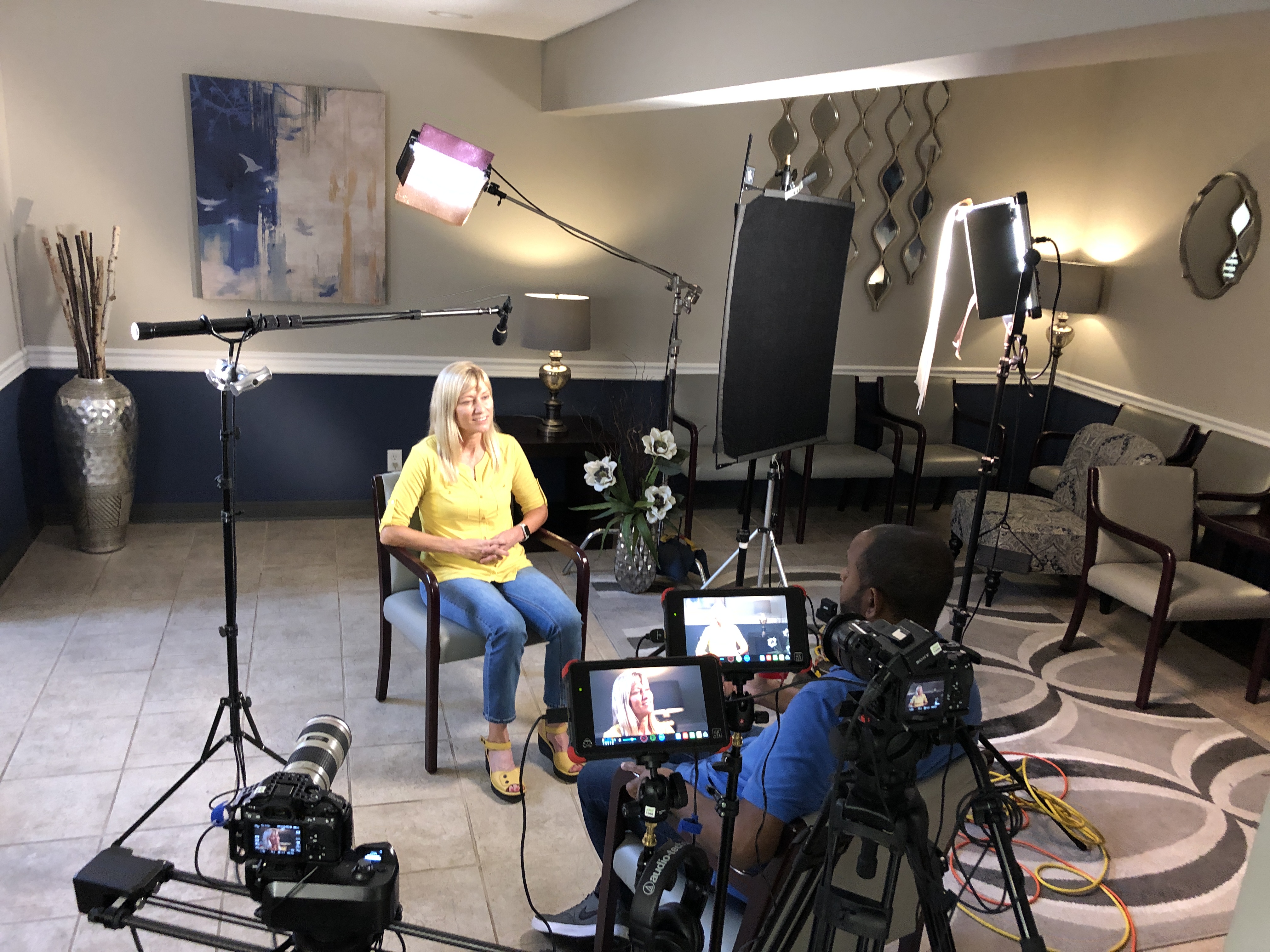
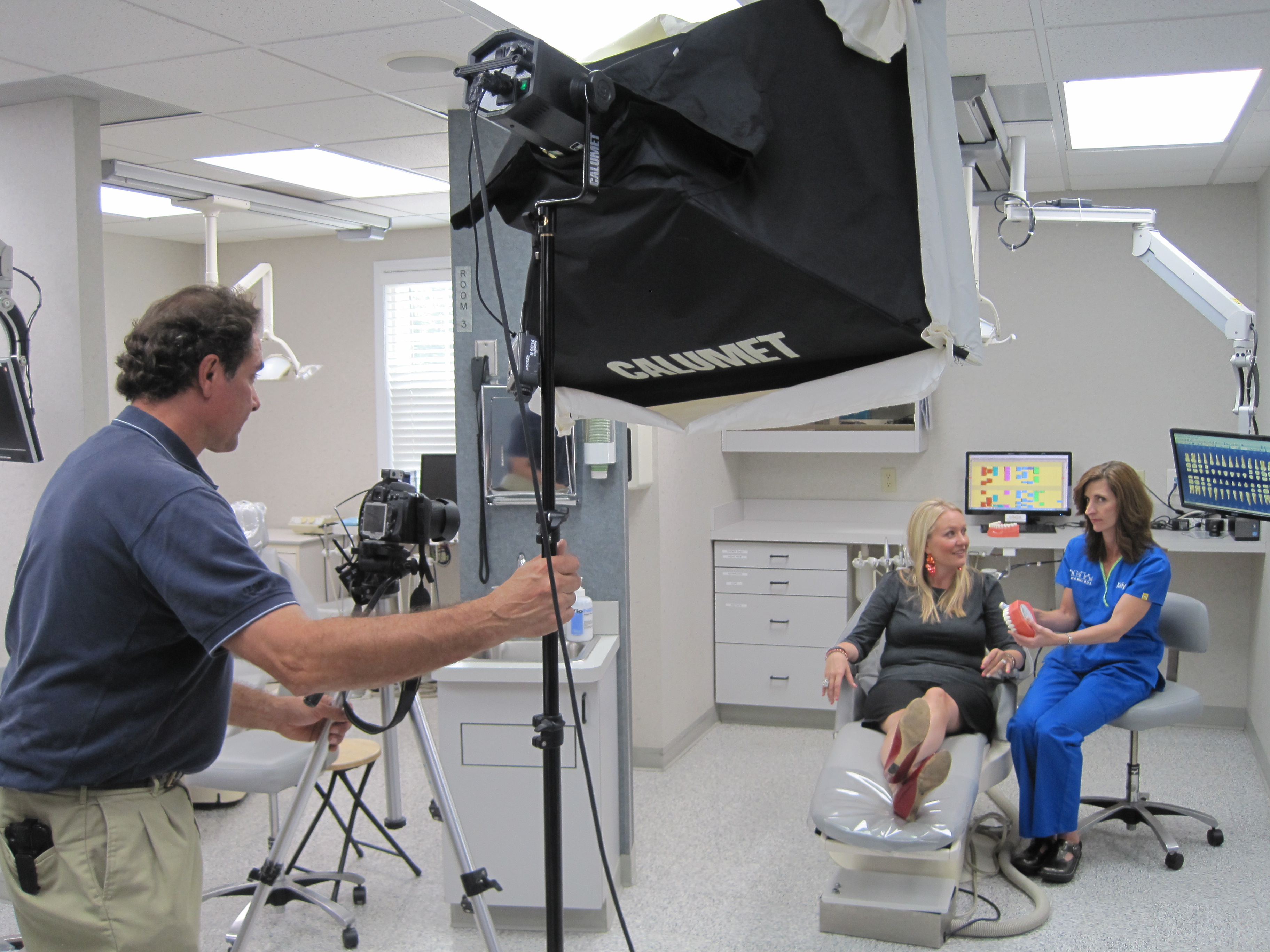
If you’re recording a one-on-one interview or demonstration, you’ll want a soft and flattering lighting setup to highlight the speaker.

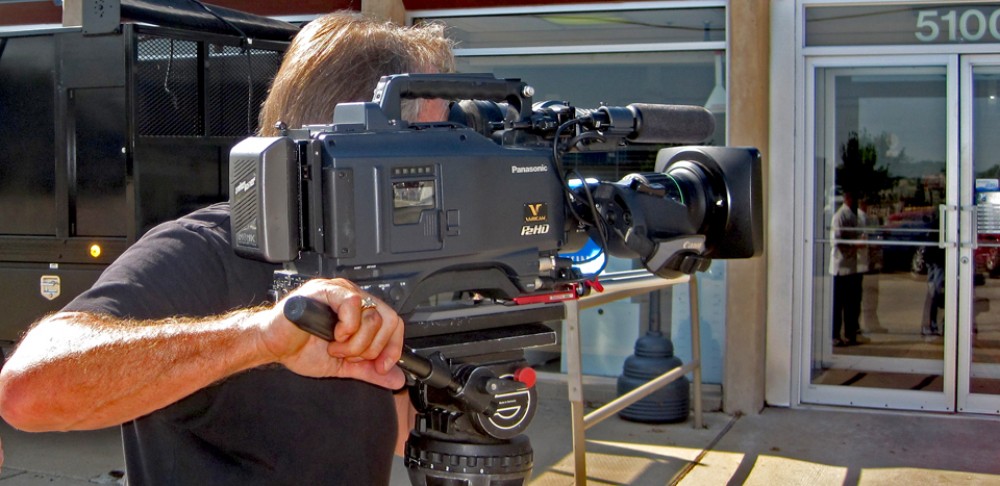
1. Camera Equipment: Finding the Right Fit for Your Training Video

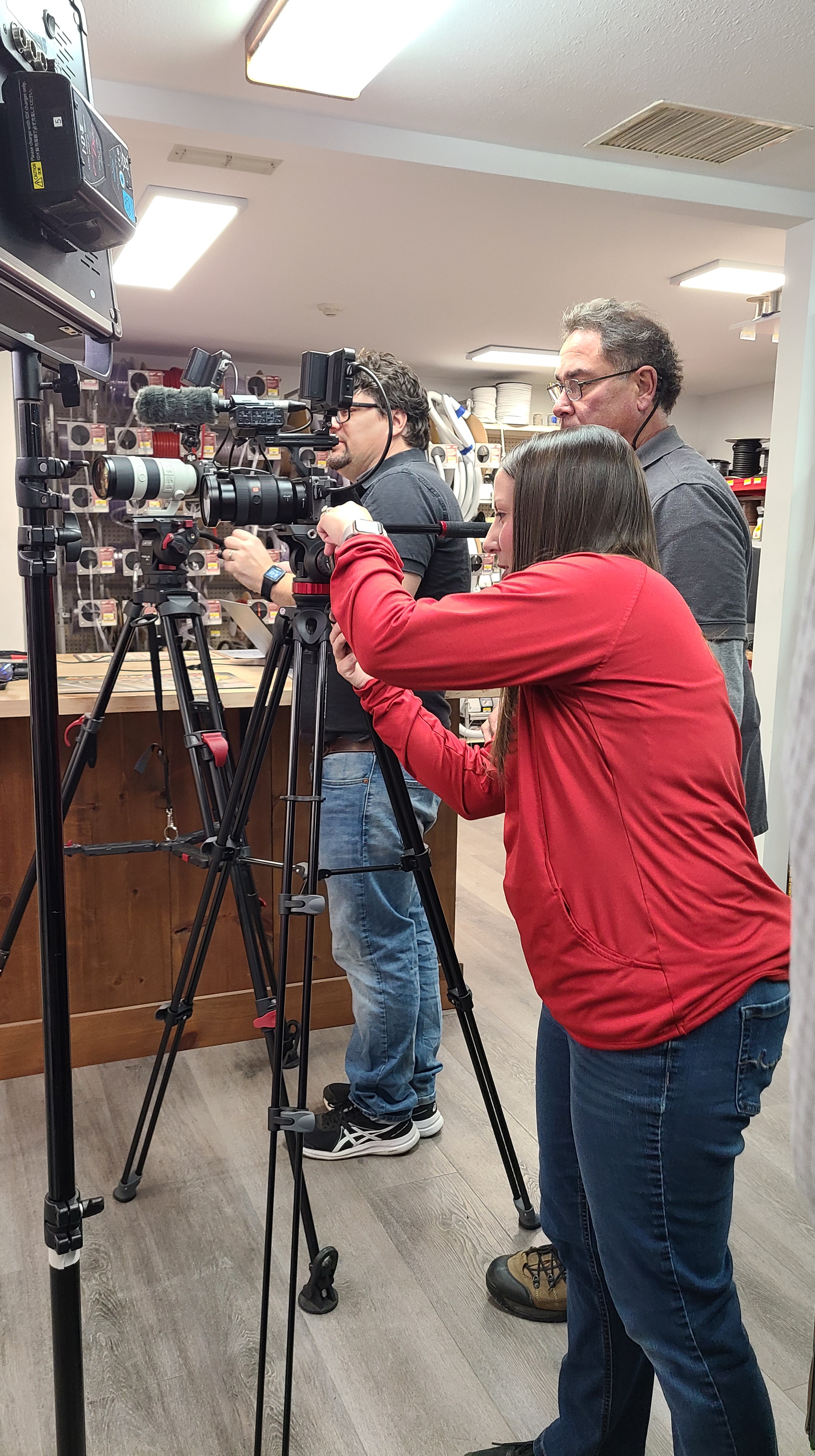
The heart of any video production is the camera, but selecting the right one depends on several factors, including the type of content, the environment, and the level of detail you need. Here’s what to consider:

  • Resolution: For most corporate videos, shooting in at least 1080p HD resolution is standard. However, for content that requires a higher level of detail (like product demonstrations or instructional videos), shooting in 4K might be a better choice.
  • Frame Rate: For typical training videos, shooting at 24 or 30 frames per second (fps) provides a natural, cinematic look. If you’re planning to include slow-motion footage (e.g., demonstrating a complex process), you may need cameras that can handle higher frame rates such as 60 fps or more.
  • Lenses: The lens you choose will determine the depth and feel of the video. A standard lens (50mm) is ideal for general shooting, while a wide-angle lens is great for larger group settings or capturing a broader context.

2. Audio: Clear Sound is Essential

While video quality is important, audio is equally, if not more, crucial. Poor sound quality can distract viewers and reduce the professionalism of your training video. Here are key audio tools to consider:

  • Microphones: Lavalier microphones are ideal for capturing clean audio from individual speakers, especially in interviews or tutorials. For more dynamic audio capture, shotgun microphones are perfect for focusing on specific sounds or voices.
  • Audio Recorders: Even with built-in camera microphones, investing in an external audio recorder will improve the overall sound quality, especially in noisy environments or for multi-person interviews.
  • Soundproofing: In some cases, soundproofing your recording environment is a wise choice, especially for small, quiet settings like an office or studio. Minimizing background noise ensures the primary audio is the focus.

3. Lighting: Setting the Mood and Focus

Proper lighting is critical for ensuring your training video looks professional and engaging. Poor lighting can cause shadows, make faces look flat, or make the video look unpolished. Here’s how to set up your lighting for success:

  • Three-Point Lighting: This is the most common lighting setup for video production and includes a key light, fill light, and backlight. The key light provides the main source of light, the fill light softens shadows, and the backlight separates the subject from the background.
  • Lighting for Interviews: If you’re recording a one-on-one interview or demonstration, you’ll want a soft and flattering lighting setup to highlight the speaker. Softbox lights are a great choice for this.
  • Adjustable Lighting: Invest in lights that can be adjusted in intensity and color temperature. This flexibility helps you create the perfect ambiance for different scenes, whether you’re aiming for a natural or dramatic look.

4. Editing Software: Post-Production Excellence

Once your footage is captured, the right editing software is essential for fine-tuning and assembling your video. Editing lets you polish your content, adjust sound, add graphics, and insert text. Here are some top tools used in professional video production:

  • Adobe Premiere Pro: This industry-standard software provides extensive editing tools, including timeline editing, color correction, and audio syncing.
  • Final Cut Pro: A great option for Mac users, Final Cut Pro offers powerful editing features along with a user-friendly interface.
  • DaVinci Resolve: If you need advanced color grading, DaVinci Resolve offers exceptional tools to enhance your visuals.

Editing also allows you to add closed captions, annotations, and visual aids that can enhance the learning experience for your viewers.
5. Drone Technology: Aerial Shots for Added Impact

Sometimes, training videos benefit from aerial shots to provide unique perspectives or showcase a product or facility. Drones can offer sweeping visuals or highlight large-scale operations in a way that traditional cameras cannot. Consider these factors when choosing drone technology:

  • Flight Capability: Ensure your drone has the stability and range you need for indoor or outdoor use.
  • Camera Quality: Modern drones can shoot in 4K, providing high-resolution footage for crisp and clear visuals.
  • Indoor Flight: Certain drones are specifically designed for indoor flight, which can be helpful if your video includes footage of training scenarios in enclosed spaces like classrooms or factories.

6. Video Collaboration Tools: Working with Teams

If your training video production involves multiple team members—whether from different departments or external agencies—using collaborative tools for real-time feedback and tracking progress is essential. Consider using platforms such as:

  • Frame.io: A cloud-based tool that allows team members to review and leave comments directly on the video timeline.
  • Google Drive or Dropbox: For sharing large video files and assets securely.
  • Trello or Asana: These project management tools help keep everyone on track, ensuring deadlines are met and communication is clear.

7. Studio Setup: Customizing the Environment

Your production environment plays a huge role in the success of your training video. Having a studio set up with the proper equipment, props, and space for interviews or demonstrations is key to creating a professional-looking video.

  • Studio Lighting: For small-scale productions, private custom lighting setups are essential for getting the right look. Our studio at St Louis Camera Crew offers an ideal environment for such setups.
  • Props and Backgrounds: If your training video involves product demonstrations or need background variety, having the right props and set pieces will elevate your video’s visual appeal.
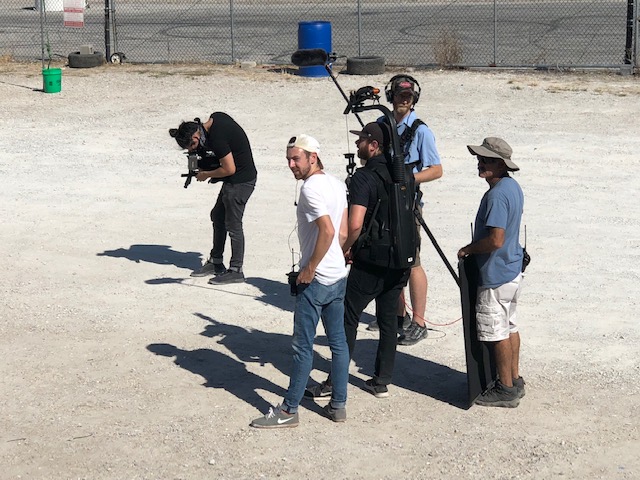
  • Camera Operators and Crew: Having a skilled team on set to manage the cameras, lighting, and audio ensures the production goes smoothly. At St Louis Camera Crew, our experienced crew can help with every part of the production.

Why St Louis Camera Crew Is Your Go-To Partner for Video Production

At St Louis Camera Crew, we pride ourselves on offering comprehensive video and photography services for businesses, marketing firms, and agencies. With over 40 years of experience, we have the right equipment and creative expertise to ensure your training video or any corporate production is executed to perfection.

We specialize in both studio and location video and photography, with a focus on custom setups for interviews, sound, and camera operators. Our private studio is designed to accommodate small productions, and our team can assist with everything from creating a custom interview set to flying drones indoors for stunning aerial shots. We also offer editing, post-production services, and can repurpose your photography and video branding to maximize its impact across different platforms.

Since 1982, St Louis Camera Crew has built a reputation for delivering high-quality video and photography services tailored to our clients’ specific needs. Let us help you choose the right tools for your training videos and ensure your production is a resounding success.
314-913-5626

stlouiscameracrew@gmail.com

The Best Types of B-Roll for Different Interview Styles: A Comprehensive Guide for Successful Corporate Video Production

In the world of corporate video production, interviews are often the backbone of storytelling. Whether you’re creating a promotional video, a customer testimonial, or an internal company documentary, the power of a well-executed interview cannot be overstated. However, to ensure that your video engages your audience and looks professional, it’s essential to pair these interviews with high-quality B-roll footage. B-roll enhances your story, keeps the audience visually engaged, and provides context to the words being spoken. But with so many types of B-roll to choose from, how do you know which one best suits your interview style?

If the subject is discussing a significant event or moment in their life, B-roll can provide additional context—such as showing where an event took place, interviews with other people involved, or related locations.

In this blog post, we will explore the best types of B-roll for various interview styles, along with some tips for maximizing the effectiveness of this essential footage.

1. The Traditional One-on-One Interview

For a straightforward one-on-one interview, where the interviewee speaks directly to the camera or to an interviewer just off-camera, the key to effective B-roll is to capture the context of what is being discussed. This allows your audience to connect the visual elements with the narrative, making the message more relatable.

Best Types of B-Roll:

  • Cutaway shots of the environment: Show the setting or location where the interview is happening. If the interview is taking place in an office, capture shots of people working, papers on desks, or close-ups of important documents.
  • Action shots: If the interviewee is discussing a specific product or service, shoot B-roll of the product in use or in action. This reinforces the spoken message visually.
  • Over-the-shoulder shots: Capture the perspective of the interviewer or the subject’s reaction to the conversation. This adds depth and perspective to the interview, offering a different viewpoint.

2. Customer Testimonials

Customer testimonials provide powerful insights into the impact of your products or services. In these interviews, the customer speaks from their own experience, which is relatable for potential buyers.

Best Types of B-Roll:

  • Lifestyle shots: Show the customer using your product or service in a natural, real-world environment. This helps build authenticity and trust with the audience.
  • Before-and-after comparisons: If your product or service brings about a change, whether tangible or intangible, show the difference it made. This could be as simple as a customer using the product before and after.
  • Product-focused B-roll: Capture close-up shots of the product in use, focusing on its features and benefits as the customer describes their experience.

3. Corporate Culture and Employee Interviews

When producing a video that showcases your company’s culture or features employee interviews, it’s important to convey the energy, environment, and values of your organization.

Best Types of B-Roll:

  • Office/Workspace B-roll: Show your team in action—whether they’re collaborating in meetings, brainstorming ideas, or using equipment and technology. These shots help portray your company’s dynamic work culture.
  • Employee interactions: Show employees interacting with each other or engaging in meaningful work. Capturing candid moments helps humanize the company and provides a window into its culture.
  • Branding shots: If the employee is talking about company values, show B-roll that reinforces the company’s mission and visual branding, such as logo shots, company slogans, or even branded merchandise.

4. Documentary-Style Interviews

Documentary-style interviews often dive deep into personal stories, significant events, or complex ideas. These interviews benefit from B-roll that tells a visual story that complements the subject’s words.

Best Types of B-Roll:

  • Archival or historical footage: If discussing a past event or important milestone, historical photos or video clips can help illustrate the story.
  • Emotional and intimate shots: For personal or emotional interviews, capture B-roll that reflects the feelings expressed in the interview. This might include thoughtful close-ups, candid moments, or even environmental shots that evoke a particular mood.
  • Situational B-roll: If the subject is discussing a significant event or moment in their life, B-roll can provide additional context—such as showing where an event took place, interviews with other people involved, or related locations.

5. Panel or Roundtable Discussions

In panel-style interviews, where multiple people discuss a topic, the B-roll needs to capture the diverse range of voices and ideas being shared. It also helps to highlight moments of connection between the speakers or audience reactions.

Best Types of B-Roll:

  • Reaction shots: Capture the reactions of the audience, whether they’re nodding, taking notes, or engaged in the discussion. This gives a sense of the audience’s connection to the conversation.
  • Wide shots of the panel: Capture the entire panel in action. This will set the scene and show the dynamics between the panelists.
  • Close-ups of individual speakers: Get intimate close-ups of the panelists while they speak to emphasize their role in the conversation.

6. Product Demonstrations

When showcasing a product, the primary goal of the B-roll is to highlight its functionality and benefits. Product demos require clean and clear footage that complements the explanation given in the interview.

Best Types of B-Roll:

  • Close-ups of the product in use: Whether it’s a new technology or a physical product, detailed shots of the product in action help provide clarity and focus.
  • Step-by-step demonstrations: If the product requires a sequence of actions to use, show these steps clearly in your B-roll footage.
  • Creative product shots: Show the product from different angles or with special lighting to highlight its design and features.

How St. Louis Camera Crew Can Help You Get the Perfect B-Roll

At St. Louis Camera Crew, we understand the importance of B-roll in enhancing your video production. As a full-service professional commercial photography and video production company, we offer the right equipment and creative expertise to capture the ideal B-roll that complements your interviews and corporate messaging. Whether you need studio or location video and photography, editing, post-production, or licensed drone pilots, our team has the experience to execute your vision.

With our private studio lighting and visual setups, we can customize the perfect environment for small productions and interview scenes. Our studio space is also large enough to incorporate props to round out your set, adding an extra layer of creativity to your shoot. From custom interview studio setups to providing sound and camera operators, we ensure every part of your production is executed flawlessly.

We are well-versed in all types of media files, styles, and accompanying software, and we specialize in repurposing your video and photo content to gain more traction across multiple platforms. Our expertise in flying specialized drones indoors allows us to capture unique aerial shots that add depth and interest to your B-roll.

Since 1982, St. Louis Camera Crew has been serving businesses, marketing firms, and agencies across the St. Louis area. Let us help you take your video production to the next level with professional B-roll that brings your interview to life. Contact us today to discuss your upcoming project.

314-913-5626

stlouiscameracrew@gmail.com