Tips for Working Smoothly with a Small Video Team: Maximizing Efficiency Without Sacrificing Quality

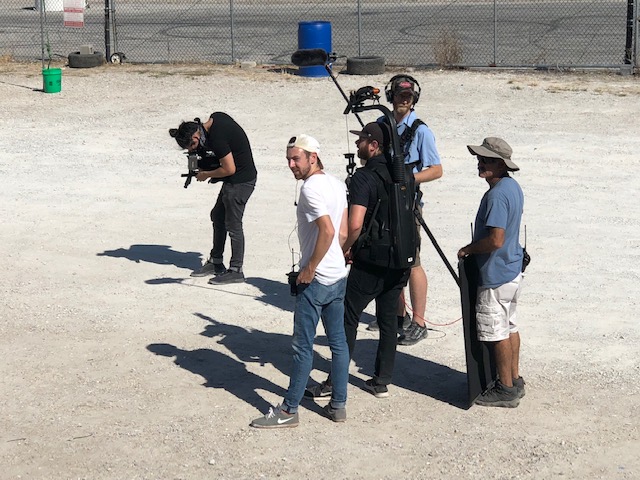
In today’s fast-paced marketing world, efficiency is everything. Whether you’re launching a new product, creating internal communications, or producing branded content, working with a small video crew can offer flexibility, agility, and cost-effectiveness—if done right. At St Louis Camera Crew, we’ve spent decades helping businesses and organizations unlock the full potential of lean video teams. Here are essential tips to ensure your next production runs smoothly, even with a compact crew.


1. Plan with Precision

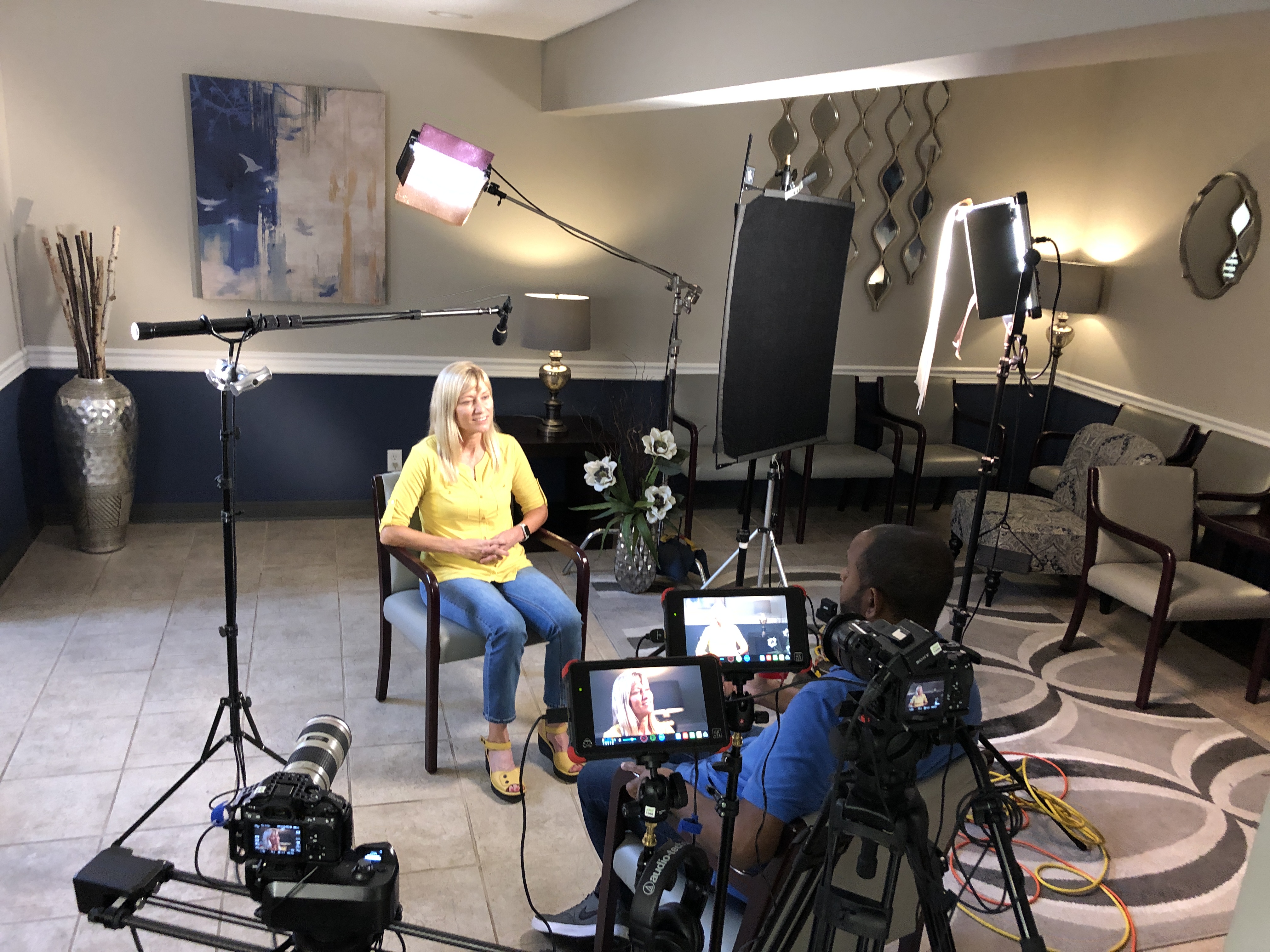
Pre-production is where the success of small-crew shoots is determined. Because each crew member will likely wear multiple hats, clear communication during the planning phase is vital. Establish:

  • Your goals and target audience
  • A shot list and storyboard (even rough sketches help)
  • A realistic schedule and locations
  • Who is responsible for what (director, DP, audio tech, producer roles may overlap)

The more planning upfront, the less stress and improvisation on set.


2. Streamline Your Script and Storyboard

When working with a small crew, simpler often means smarter. Focus on storytelling that aligns with your budget and resources:

  • Choose interview setups, b-roll, or testimonials that can be achieved in a single location or minimal setups.
  • Minimize lighting and location changes to keep momentum.
  • Use natural light creatively to cut down on gear needs.

A streamlined creative direction allows the crew to focus on quality execution without constant reconfiguration.

3. Keep Talent and Staff Informed

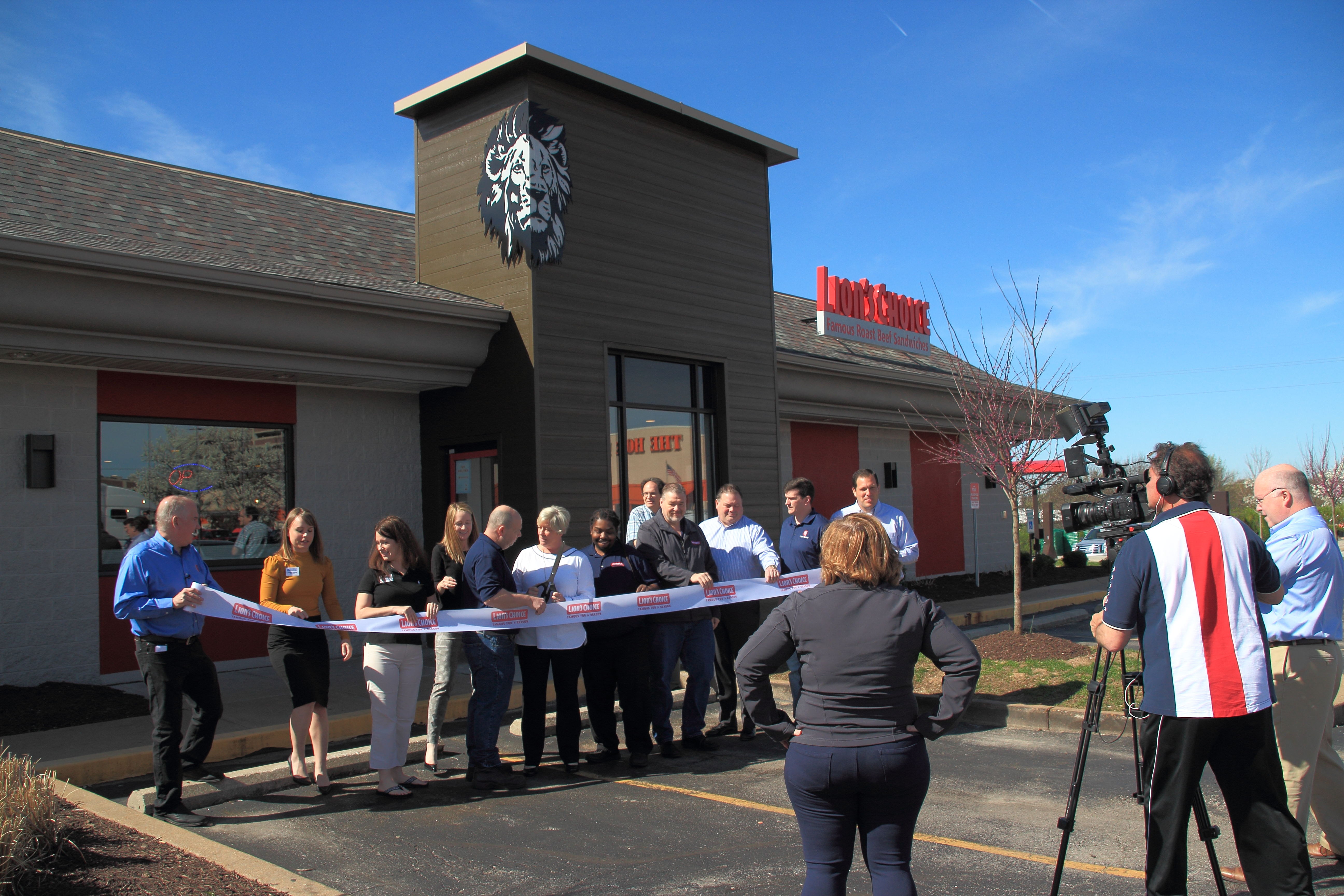
A smaller team can mean fewer touchpoints for talent and stakeholders. Ensure everyone involved knows:

  • The production schedule and timing
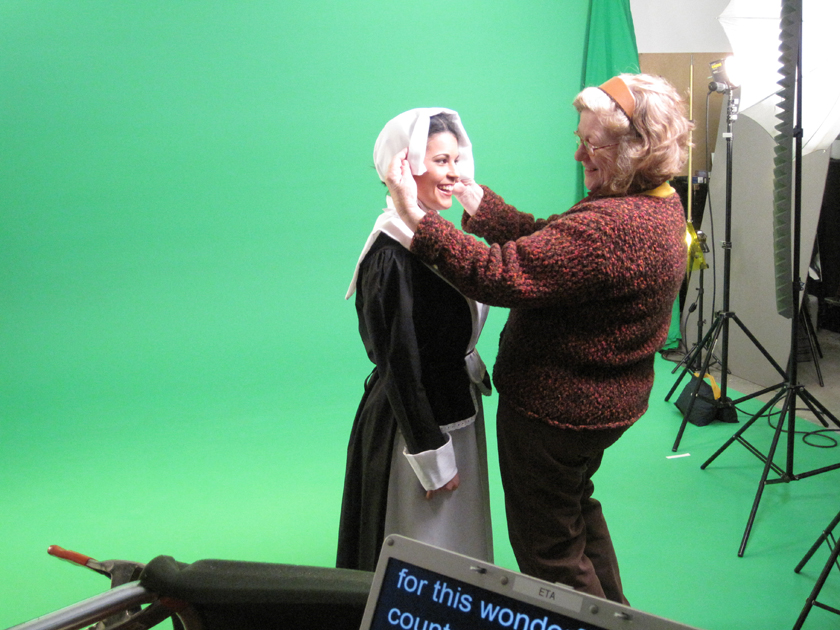
  • Wardrobe expectations
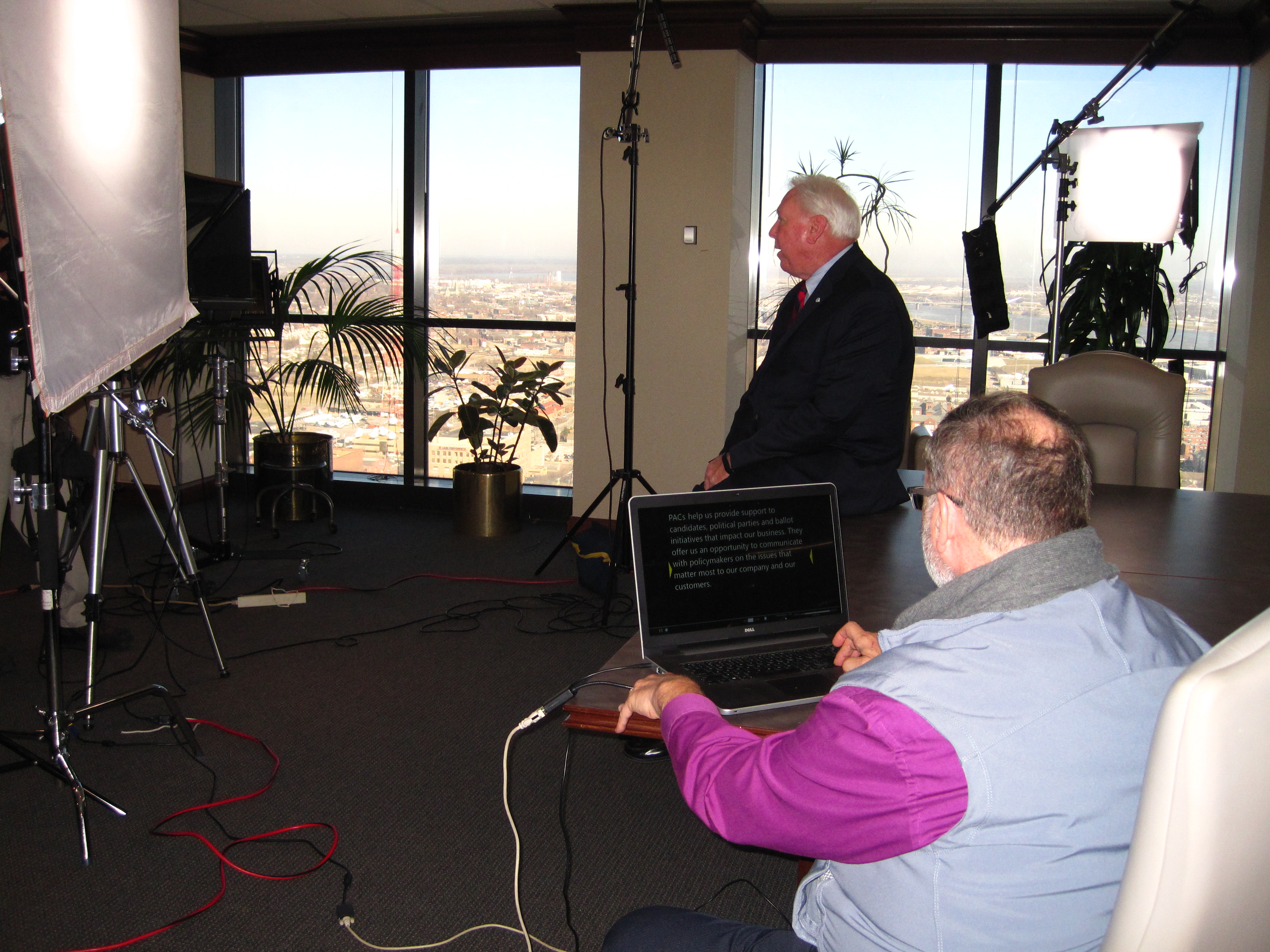
  • Where to look and speak during interviews
  • Who to go to with questions on set

This keeps things moving and avoids confusion or delays during your shoot.


4. Use Versatile Equipment

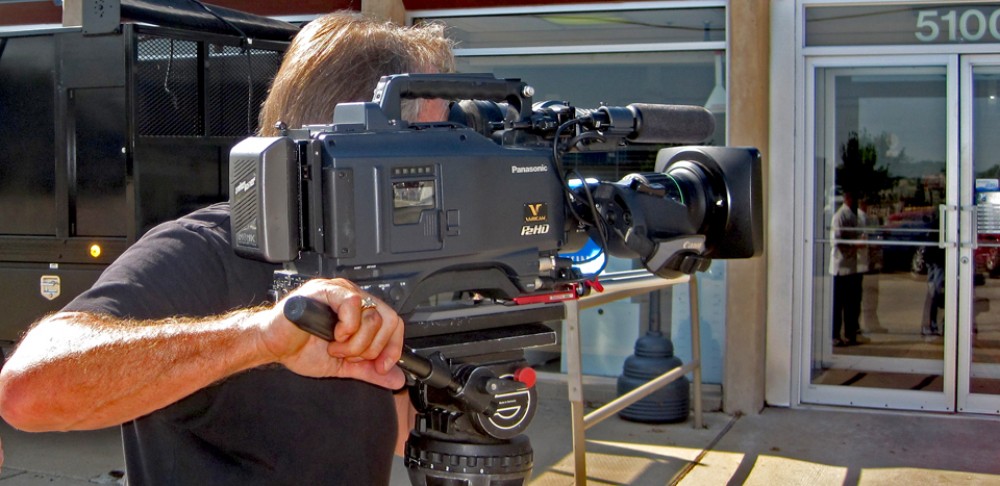
Small crews need gear that punches above its weight. Lightweight cameras, mobile lighting kits, and wireless audio solutions reduce setup time and increase mobility. At St Louis Camera Crew, we pair compact cinema cameras with AI-enhanced tools for real-time monitoring, framing, and even backup recording—saving time without compromising quality.


5. Trust the Team’s Expertise

A lean video crew brings deep cross-functional experience. Your producer might be framing shots. Your camera operator may also light the scene. Trusting their ability to multitask is key. Lean into their expertise—smaller teams often bring a more collaborative spirit, where creative ideas flow freely.


6. Be Flexible, But Focused

Things change—lighting conditions, noise levels, weather. A small team thrives on adaptability. But focus is essential:

  • Stick to your most critical shots
  • Prioritize quality over quantity
  • Have a backup plan if your ideal location or timing doesn’t work out

Clear priorities allow small crews to pivot without losing the essence of the shoot.


7. Post-Production: Keep the Momentum Going

Once the footage is captured, a small but experienced post-production team can quickly turn raw files into polished content. Use shared notes, time-coded feedback, and version control tools to review efficiently. At St Louis Camera Crew, our editors are often on set to ensure footage is organized and labeled, accelerating turnaround times.


Why St Louis Camera Crew is the Right Partner for Lean Productions

Since 1982, St Louis Camera Crew has specialized in delivering high-impact video and photography services for businesses, marketing agencies, and creative firms throughout the St. Louis region. We know how to make small teams deliver big results.

We’re a full-service commercial photography and video production company offering:

  • Studio and location video and photography
  • Expert editing, post-production, and repurposing services
  • Licensed drone pilots, even for indoor flight
  • Custom interview studios and private studio setups with prop integration
  • The latest AI tools and software for maximum efficiency and creativity

Our experienced crew knows how to work lean without ever compromising on quality, professionalism, or results. Whether you’re capturing interviews, product demonstrations, training videos, or testimonials, St Louis Camera Crew brings the right people, tools, and vision to your shoot.

Let’s collaborate. We’ll help you tell your story with clarity, creativity, and confidence—no matter the size of your crew.

314-913-5626


Mike Haller
St Louis Video Producer

mikeh@hallerconcepts.com

Full Service Video Production Studio and Post Production

4501 Mattis Road
Saint Louis, Missouri 63128
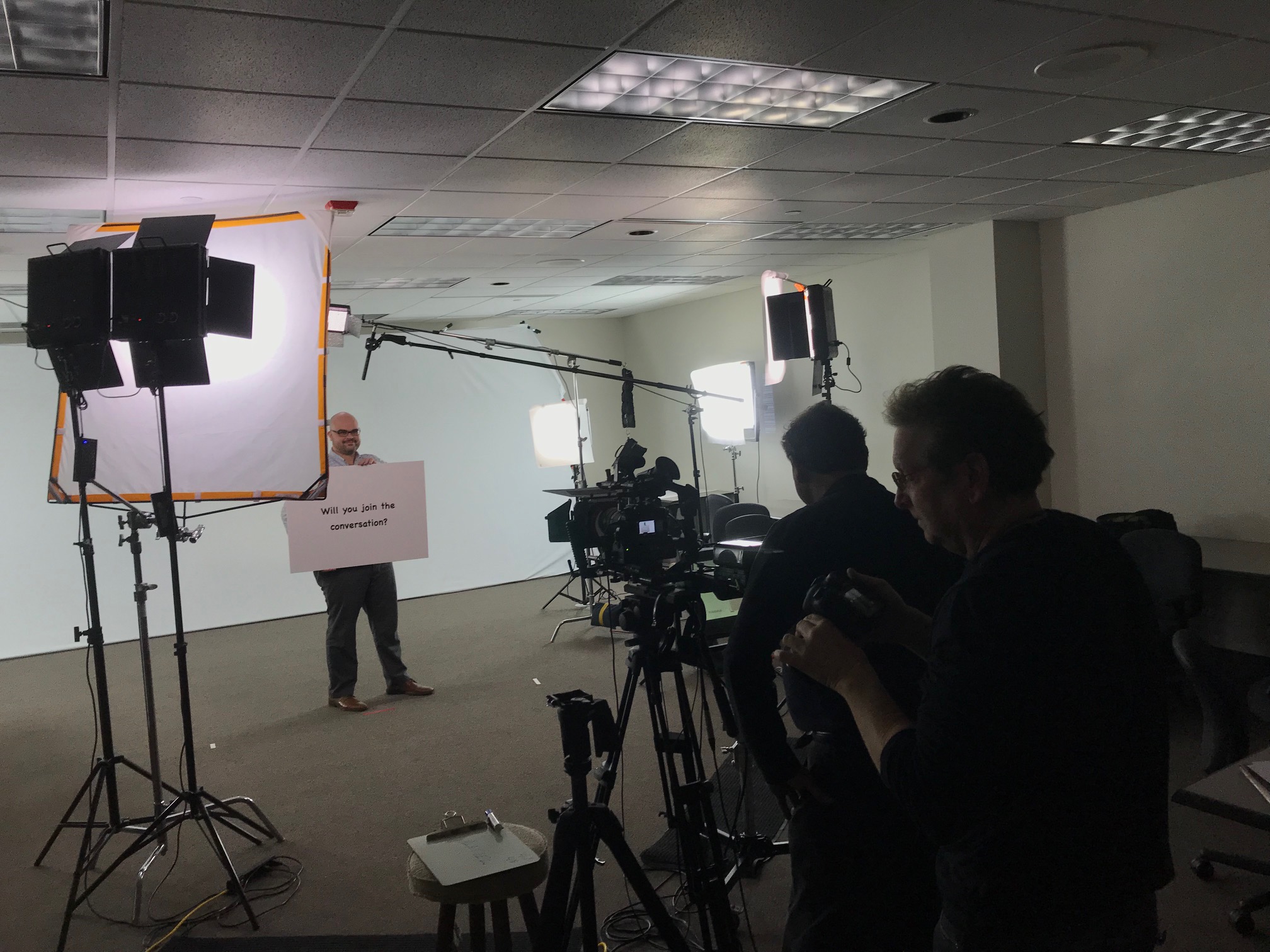
What to Keep and What to Change When Re-Editing Videos: A Strategic Guide for Businesses and Marketers

In today’s fast-moving digital landscape, video content is not a one-and-done asset. Businesses often find themselves revisiting previously produced videos—either to breathe new life into evergreen material, reflect brand updates, or repackage content for different platforms and audiences. The question then becomes: what should you keep, and what should you change when re-editing videos?

As experienced videographers, editors, and producers at St Louis Camera Crew, we’ve guided countless organizations through the re-editing process. In this blog, we’ll walk you through a professional framework for making strategic decisions that preserve value while elevating your content’s relevance and performance.


The Value of Re-Editing Existing Video Content

Before diving into the tactical aspects, it’s important to understand the “why.” Re-editing is not just about cutting costs—though it can certainly save on budget. It’s about repurposing strong foundational material for new goals. This might include:

  • Adapting long-form interviews into bite-sized social clips
  • Swapping outdated visuals while retaining solid audio and messaging
  • Updating call-to-actions, branding, or motion graphics
  • Localizing content for regional markets or industries

With a clear objective in mind, you can then evaluate what to retain versus what to transform.


What to Keep in Re-Edited Videos

1. High-Quality B-Roll and Cinematic Footage

If the original video features professionally shot visuals—drone footage, timelapses, lifestyle imagery—these elements often remain timeless and can add production value to new edits.

2. Strong Soundbites and Interviews

Well-delivered interview clips or voiceovers should be preserved when the messaging is still relevant. Editing around these moments can offer structure and storytelling continuity.

3. Authentic Testimonials or Case Studies

Real customer stories rarely go out of style. If the testimonial remains relevant, keep it. Updating supporting visuals can refresh its impact without losing credibility.

4. On-Brand Music or Narration

If the music or narration still fits your tone, there’s no need to reinvent the wheel. But make sure music licensing is up-to-date and voiceover quality is consistent with your current production values.


What to Change in Re-Edited Videos

1. Outdated Branding or Logos

Your brand identity evolves—so should your visuals. Swap in updated logos, color palettes, fonts, and motion graphics that align with your current style guide.

2. Old or Irrelevant Call-to-Actions

If your CTA still references a past campaign, event, or contact method, revise it. Modern viewers expect clarity, and your call-to-action should drive today’s marketing goals.

3. Low-Resolution or Poorly Framed Shots

A shaky handheld clip from five years ago can bring down the polish of a new edit. Replace these with fresh visuals, even if it means reshooting brief sequences or incorporating stock footage.

4. Pacing and Format for New Platforms

What worked on YouTube in 2019 may not work on TikTok or LinkedIn today. Re-edit with platform-specific needs in mind—shorter durations, vertical orientation, captions, and faster cuts are now common.

5. Compliance and Legal Updates

Ensure that all content—especially testimonials, product claims, or regulated industries like healthcare and finance—meets current standards and includes necessary disclaimers or legal language.


Pro Tip: Use AI and Analytics to Guide Re-Editing Decisions

Modern AI-powered tools can now analyze viewer engagement, helping you identify which moments retain attention and which cause drop-offs. Use this data when re-editing to fine-tune video structure and message delivery.


Partnering with Professionals for Seamless Re-Edits

Re-editing may sound simpler than starting from scratch—but it often requires just as much strategic thought, technical precision, and creative insight. At St Louis Camera Crew, we specialize in transforming existing footage into new, effective content that resonates with modern audiences.

Whether you need:

  • Updated brand animations and titles
  • Expert interview trimming and reframing
  • Color grading to match new footage
  • Re-packaged video for specific platforms
  • Studio-grade sound and visual enhancements

—we’re here to help you make the most of your content investment.


Why Work with St Louis Camera Crew?

St Louis Camera Crew is a full-service professional commercial photography and video production company with the experience and creative talent needed for successful image acquisition. We provide studio and location photography and video, editing, post-production, and licensed drone services.

We tailor each production to your specific media requirements, helping you repurpose photography and video content to extend its value. Our team is fluent in all file types and editing platforms, and we implement the latest in Artificial Intelligence technology to streamline and enhance our services.

Our private studio setup is ideal for custom interview scenes or small-scale productions, complete with space for props and stylized lighting. Whether you need a sound operator, a drone pilot for indoor scenes, or a full camera crew, St Louis Camera Crew has the gear, people, and vision to bring your project to life.

Since 1982, we’ve worked with countless businesses, marketing firms, and creative agencies in the St. Louis area. Let us help you reimagine your video content with clarity, creativity, and precision.

314-913-5626

stlouiscameracrew@gmail.com

How to Choose the Right Tools for Your Training Videos

Creating an effective training video for your business involves much more than just filming. To ensure your content is engaging, clear, and professional, selecting the right tools is crucial. These tools help you capture high-quality visuals and sound, ensure smooth editing, and enhance the overall experience for your viewers. Whether you’re producing onboarding material, product tutorials, or technical training, the tools you choose will directly impact the final product. In this post, we’ll provide expert advice on how to choose the right tools for your training videos, ensuring your production meets the highest standards.

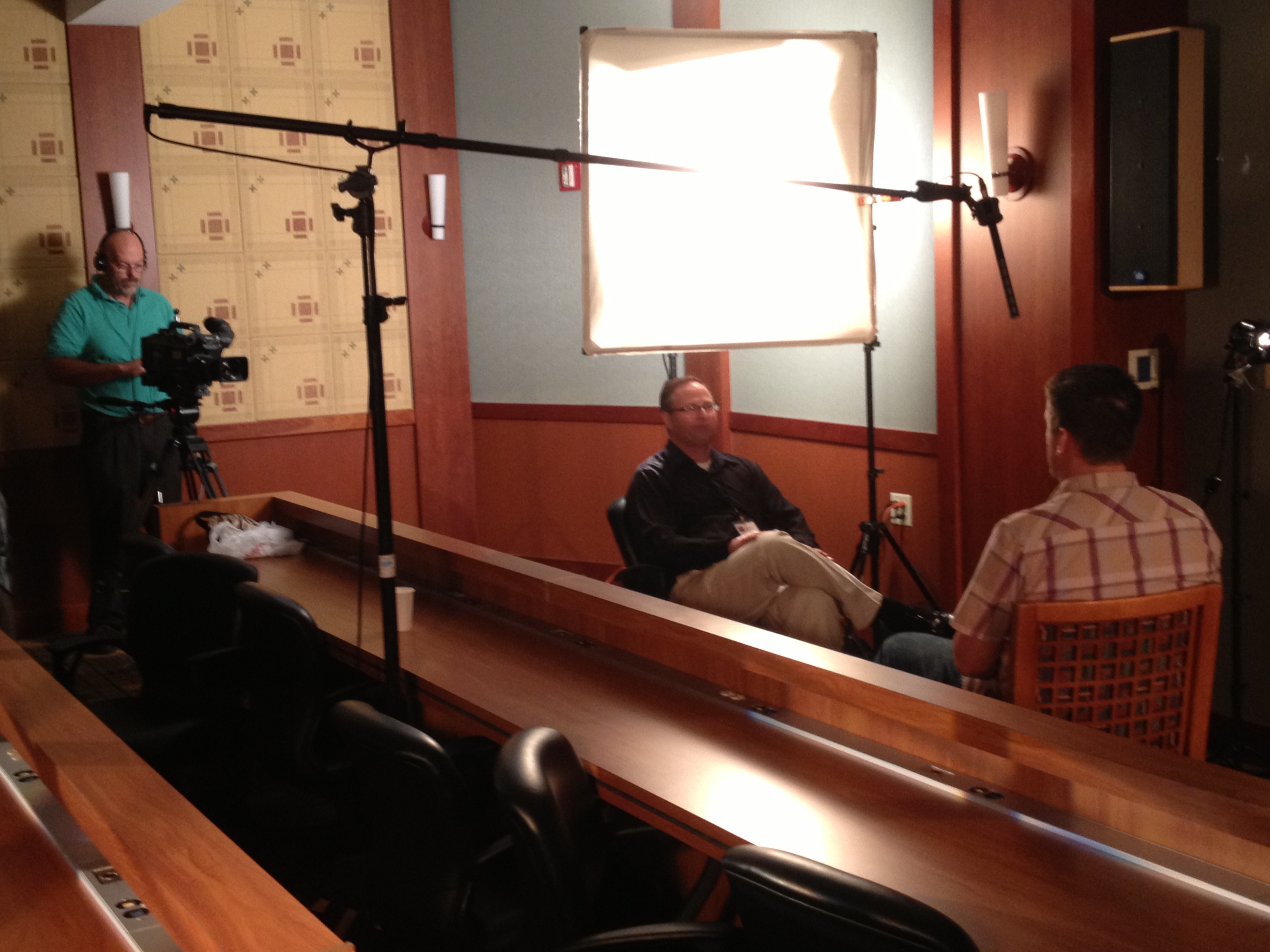
If you’re recording a one-on-one interview or demonstration, you’ll want a soft and flattering lighting setup to highlight the speaker.

1. Camera Equipment: Finding the Right Fit for Your Training Video

The heart of any video production is the camera, but selecting the right one depends on several factors, including the type of content, the environment, and the level of detail you need. Here’s what to consider:

  • Resolution: For most corporate videos, shooting in at least 1080p HD resolution is standard. However, for content that requires a higher level of detail (like product demonstrations or instructional videos), shooting in 4K might be a better choice.
  • Frame Rate: For typical training videos, shooting at 24 or 30 frames per second (fps) provides a natural, cinematic look. If you’re planning to include slow-motion footage (e.g., demonstrating a complex process), you may need cameras that can handle higher frame rates such as 60 fps or more.
  • Lenses: The lens you choose will determine the depth and feel of the video. A standard lens (50mm) is ideal for general shooting, while a wide-angle lens is great for larger group settings or capturing a broader context.

2. Audio: Clear Sound is Essential

While video quality is important, audio is equally, if not more, crucial. Poor sound quality can distract viewers and reduce the professionalism of your training video. Here are key audio tools to consider:

  • Microphones: Lavalier microphones are ideal for capturing clean audio from individual speakers, especially in interviews or tutorials. For more dynamic audio capture, shotgun microphones are perfect for focusing on specific sounds or voices.
  • Audio Recorders: Even with built-in camera microphones, investing in an external audio recorder will improve the overall sound quality, especially in noisy environments or for multi-person interviews.
  • Soundproofing: In some cases, soundproofing your recording environment is a wise choice, especially for small, quiet settings like an office or studio. Minimizing background noise ensures the primary audio is the focus.

3. Lighting: Setting the Mood and Focus

Proper lighting is critical for ensuring your training video looks professional and engaging. Poor lighting can cause shadows, make faces look flat, or make the video look unpolished. Here’s how to set up your lighting for success:

  • Three-Point Lighting: This is the most common lighting setup for video production and includes a key light, fill light, and backlight. The key light provides the main source of light, the fill light softens shadows, and the backlight separates the subject from the background.
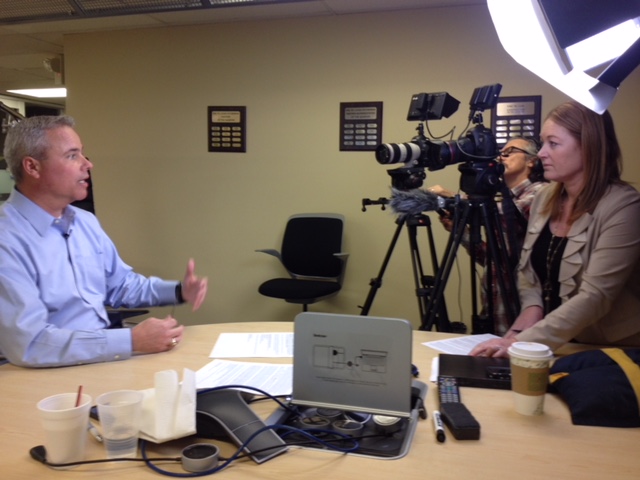
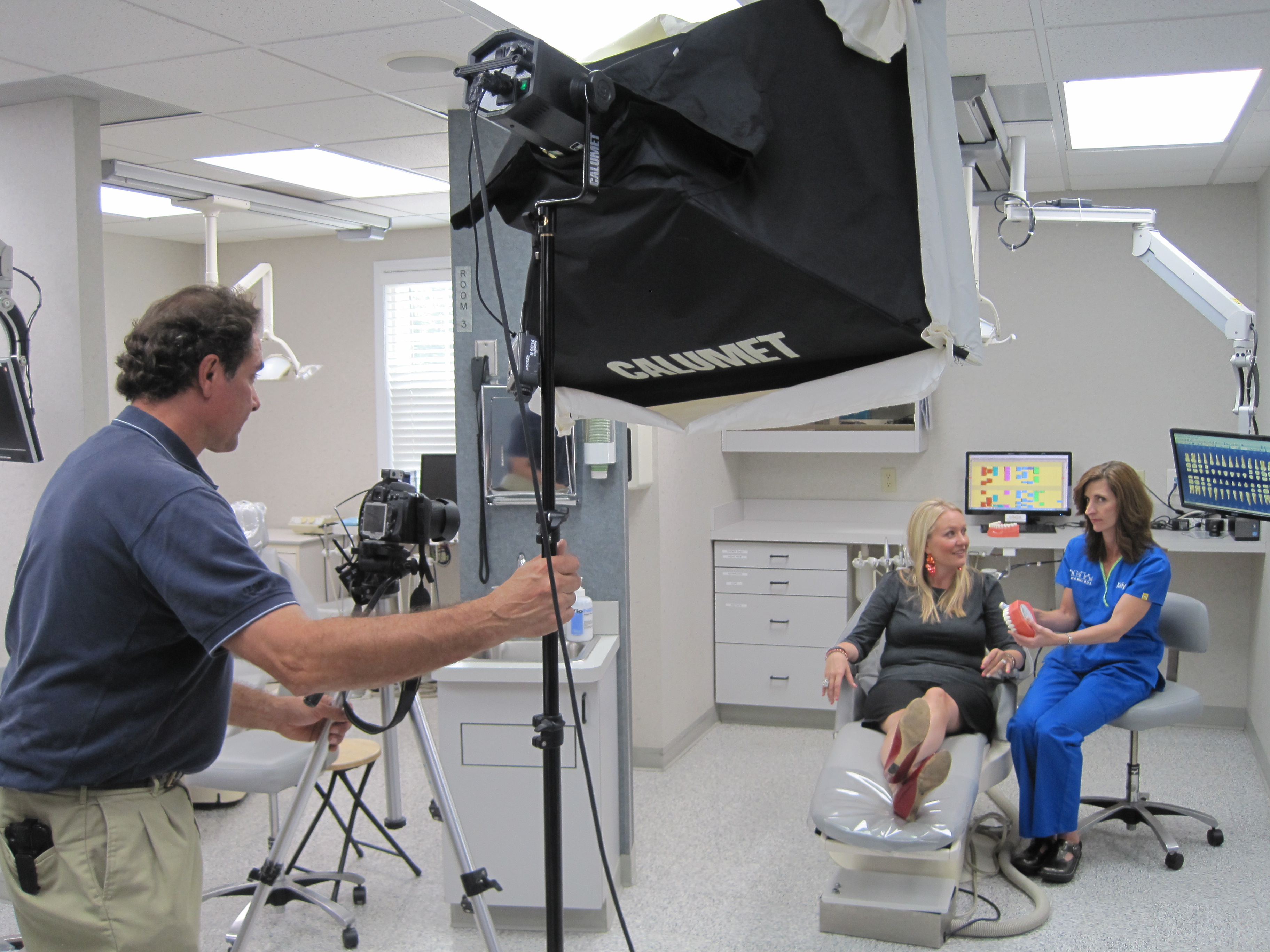
  • Lighting for Interviews: If you’re recording a one-on-one interview or demonstration, you’ll want a soft and flattering lighting setup to highlight the speaker. Softbox lights are a great choice for this.
  • Adjustable Lighting: Invest in lights that can be adjusted in intensity and color temperature. This flexibility helps you create the perfect ambiance for different scenes, whether you’re aiming for a natural or dramatic look.

4. Editing Software: Post-Production Excellence

Once your footage is captured, the right editing software is essential for fine-tuning and assembling your video. Editing lets you polish your content, adjust sound, add graphics, and insert text. Here are some top tools used in professional video production:

  • Adobe Premiere Pro: This industry-standard software provides extensive editing tools, including timeline editing, color correction, and audio syncing.
  • Final Cut Pro: A great option for Mac users, Final Cut Pro offers powerful editing features along with a user-friendly interface.
  • DaVinci Resolve: If you need advanced color grading, DaVinci Resolve offers exceptional tools to enhance your visuals.

Editing also allows you to add closed captions, annotations, and visual aids that can enhance the learning experience for your viewers.

5. Drone Technology: Aerial Shots for Added Impact

Sometimes, training videos benefit from aerial shots to provide unique perspectives or showcase a product or facility. Drones can offer sweeping visuals or highlight large-scale operations in a way that traditional cameras cannot. Consider these factors when choosing drone technology:

  • Flight Capability: Ensure your drone has the stability and range you need for indoor or outdoor use.
  • Camera Quality: Modern drones can shoot in 4K, providing high-resolution footage for crisp and clear visuals.
  • Indoor Flight: Certain drones are specifically designed for indoor flight, which can be helpful if your video includes footage of training scenarios in enclosed spaces like classrooms or factories.

6. Video Collaboration Tools: Working with Teams

If your training video production involves multiple team members—whether from different departments or external agencies—using collaborative tools for real-time feedback and tracking progress is essential. Consider using platforms such as:

  • Frame.io: A cloud-based tool that allows team members to review and leave comments directly on the video timeline.
  • Google Drive or Dropbox: For sharing large video files and assets securely.
  • Trello or Asana: These project management tools help keep everyone on track, ensuring deadlines are met and communication is clear.

7. Studio Setup: Customizing the Environment

Your production environment plays a huge role in the success of your training video. Having a studio set up with the proper equipment, props, and space for interviews or demonstrations is key to creating a professional-looking video.

  • Studio Lighting: For small-scale productions, private custom lighting setups are essential for getting the right look. Our studio at St Louis Camera Crew offers an ideal environment for such setups.
  • Props and Backgrounds: If your training video involves product demonstrations or need background variety, having the right props and set pieces will elevate your video’s visual appeal.
  • Camera Operators and Crew: Having a skilled team on set to manage the cameras, lighting, and audio ensures the production goes smoothly. At St Louis Camera Crew, our experienced crew can help with every part of the production.

Why St Louis Camera Crew Is Your Go-To Partner for Video Production

At St Louis Camera Crew, we pride ourselves on offering comprehensive video and photography services for businesses, marketing firms, and agencies. With over 40 years of experience, we have the right equipment and creative expertise to ensure your training video or any corporate production is executed to perfection.

We specialize in both studio and location video and photography, with a focus on custom setups for interviews, sound, and camera operators. Our private studio is designed to accommodate small productions, and our team can assist with everything from creating a custom interview set to flying drones indoors for stunning aerial shots. We also offer editing, post-production services, and can repurpose your photography and video branding to maximize its impact across different platforms.

Since 1982, St Louis Camera Crew has built a reputation for delivering high-quality video and photography services tailored to our clients’ specific needs. Let us help you choose the right tools for your training videos and ensure your production is a resounding success.

314-913-5626

stlouiscameracrew@gmail.com