The Smartest Questions to Ask Customers on Camera—So Your Video Reviews Actually Sell

Customer video reviews work because real people carry more weight than brand claims. But strong testimonials don’t happen by accident—they’re the result of precise, open-ended questions, disciplined on-set coaching, and a plan to repurpose the footage across channels. Use this guide to design interviews that capture credible, on-brand stories you can cut into 6-, 15-, 30-, and 60-second assets for web, social, paid, and sales enablement.

How to use this guide

Pick 6–10 questions from 4–6 sections below. Keep each answer to 20–30 seconds. Record one concise summary line after every response.


1) Warm-up (build comfort, get natural delivery)

  • What’s your name, title, and company—how do you describe what you do to a new hire?
  • Where do you serve customers, and what makes your workday unique?
  • What brought you to us initially—one sentence.

2) Context & fit (qualify the use case)

  • What problem were you trying to solve when you found us?
  • Who was involved in the decision, and what did they care about most?
  • What alternatives did you consider?
  • What made our approach feel like the right fit for your environment/team/timeline?

3) The pain, stakes, and “before” picture

  • Before working with us, what wasn’t working—and what did that cost you (time, errors, risk, dollars)?
  • Can you share a moment when the old way clearly failed?
  • What was at risk if you didn’t change?

4) Why you chose us (the decisive moment)

  • Which factors tipped the decision: expertise, speed, compliance, price, support, or something else?
  • What did you notice in our first meeting, proposal, or demo that competitors didn’t provide?
  • If you had one sentence to explain why you chose us, what is it?

5) Implementation & experience (credibility + process)

  • How smooth was onboarding or project setup? Where did we exceed expectations?
  • What did our team do that built trust quickly (communication, checklists, prototypes, contingency planning)?
  • Did we adapt to constraints—locations, facilities, regulations, stakeholders?

6) Outcomes & ROI (make results measurable)

  • What results can you quantify (throughput, conversion, time saved, error reduction, revenue impact)?
  • What leading indicators moved first (inquiries, meeting acceptance, internal adoption)?
  • What surprised you about the impact on your team or customers?
  • If you had to justify the expense to finance, what would you show them?

7) Objections handled (overcome buyer friction)

  • What hesitation did you or your team have—and how did we address it?
  • What do you wish you had known sooner that would have sped up your decision?
  • If a peer has the same concern today, what would you tell them?

8) Differentiators in action (prove the claims)

  • Which features or services mattered most in real use (turnaround time, crew quality, AI cleanup, file delivery)?
  • Tell a short story where a specific capability saved the day.
  • What about our safety/compliance process made operations comfortable?

9) Relationship & support (post-sale trust)

  • After delivery, what did support look like (revisions, formats, training, re-cuts)?
  • How does the relationship feel today—transactional or strategic? Why?

10) Advice to peers (snackable sound bites)

  • For someone in your role considering us, what one piece of advice would you give?
  • Complete this sentence: “If you need ______, choose this team because ______.”
  • In five words or less, describe the outcome.

11) Closing line (CTA without sounding scripted)

  • Would you work with us again? Why?
  • How should someone evaluate vendors for this kind of project?

Optional industry-specific add-ons

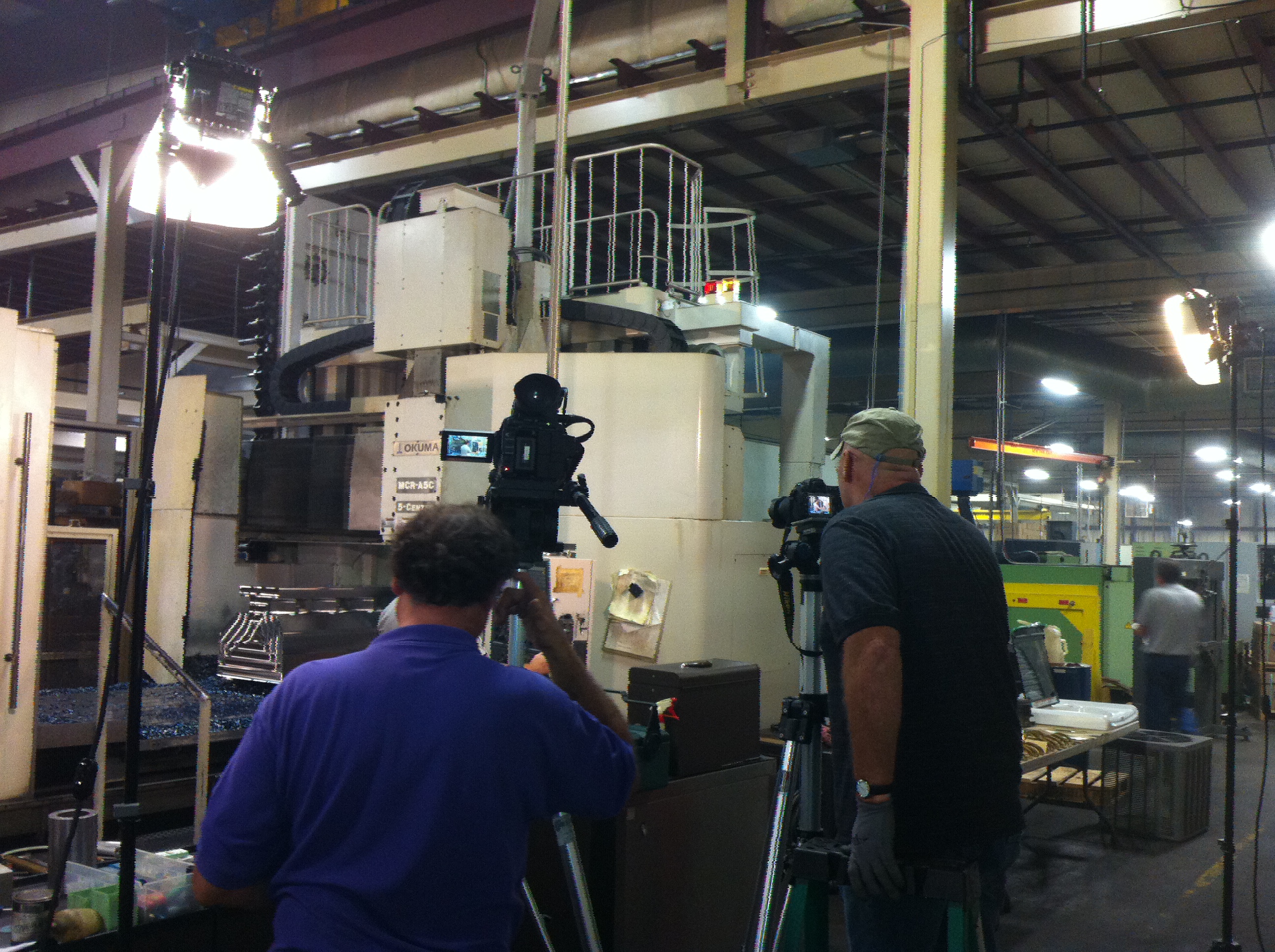
Manufacturing/Industrial

  • What safety or access constraints did we navigate on the plant floor?
  • How did we capture processes without disrupting throughput?

Healthcare

  • How did we protect patient privacy and comply with facility policies?
  • What approvals or trainings were required before cameras rolled?

Software/SaaS

  • What metrics moved post-launch (demo requests, win rate, time to value)?
  • How did customer success or sales use the finished assets?

Professional Services

  • Which parts of your engagement became easier to explain with the video?
  • What client objections does the video now preempt?

On-camera coaching tips for non-actors

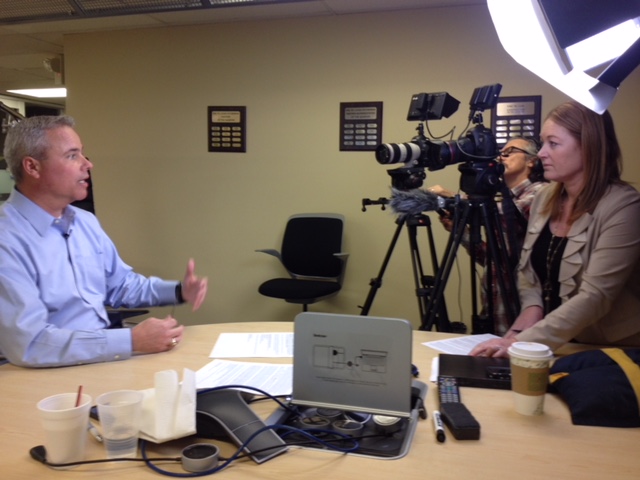
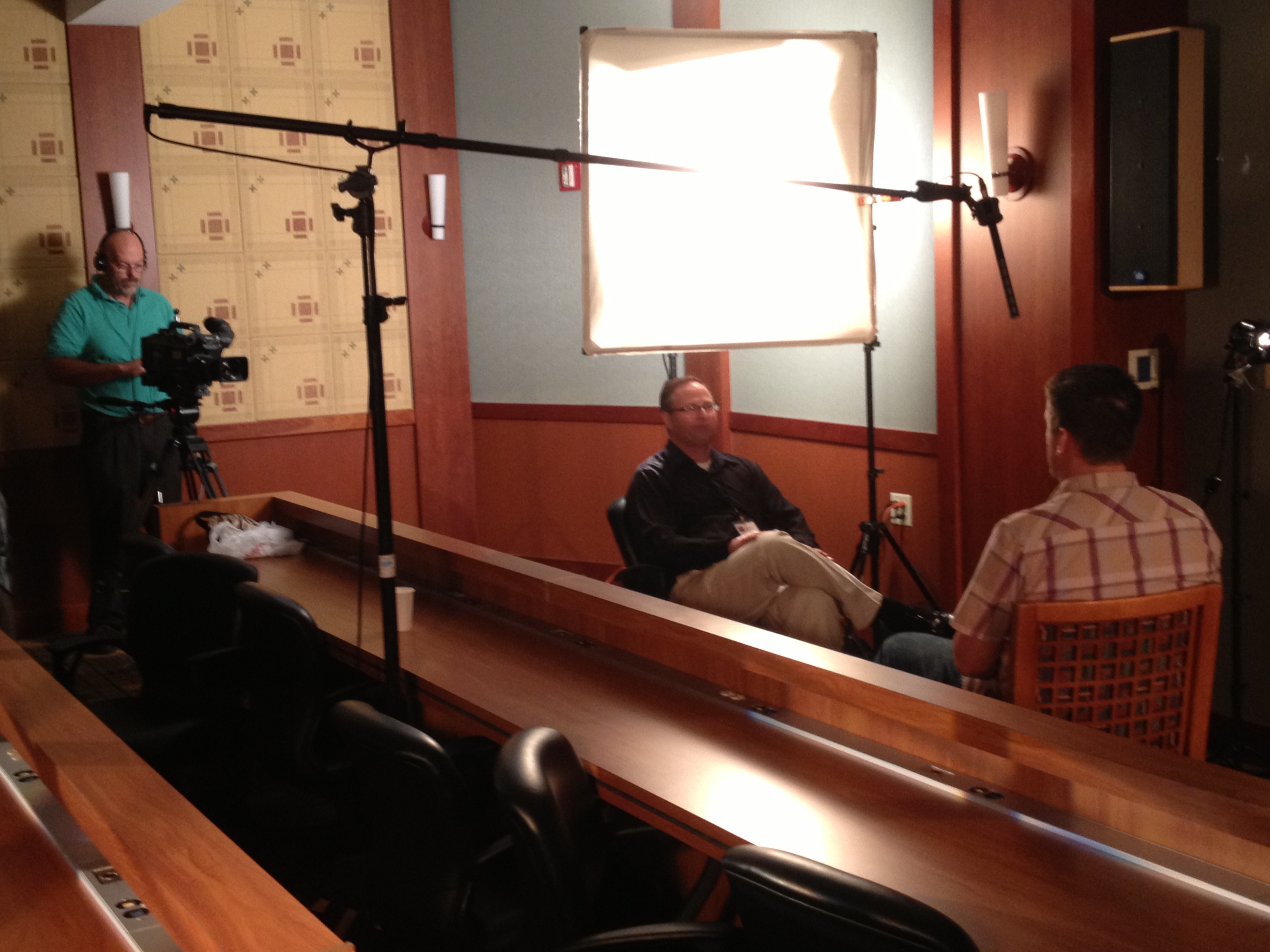
  • Speak to one person, not “the audience.” Imagine a colleague across the table.
  • Use first-person, concrete nouns, and short sentences. Avoid jargon.
  • Answer, then land a crisp summary line. We’ll capture it as a stand-alone sound bite.
  • Pause before and after you speak—clean in, clean out helps the edit.
  • Look at the interviewer (not the lens) unless we cue you otherwise.

Run-of-show template (30–45 minutes per interview)

  1. Mic, frame, and warm-up (5 min): casual questions to normalize voice and cadence.
  2. Core questions (15–20 min): sections 2–7 above.
  3. Sound bites (5–10 min): crisp one-liners and objection handlers.
  4. Cutaway prompts (5–10 min): capture nods, smiles, natural gestures for edit glue.
  5. Room tone & plates (2 min): clean audio and empty frames for transitions.

B-roll shotlist to elevate testimonials

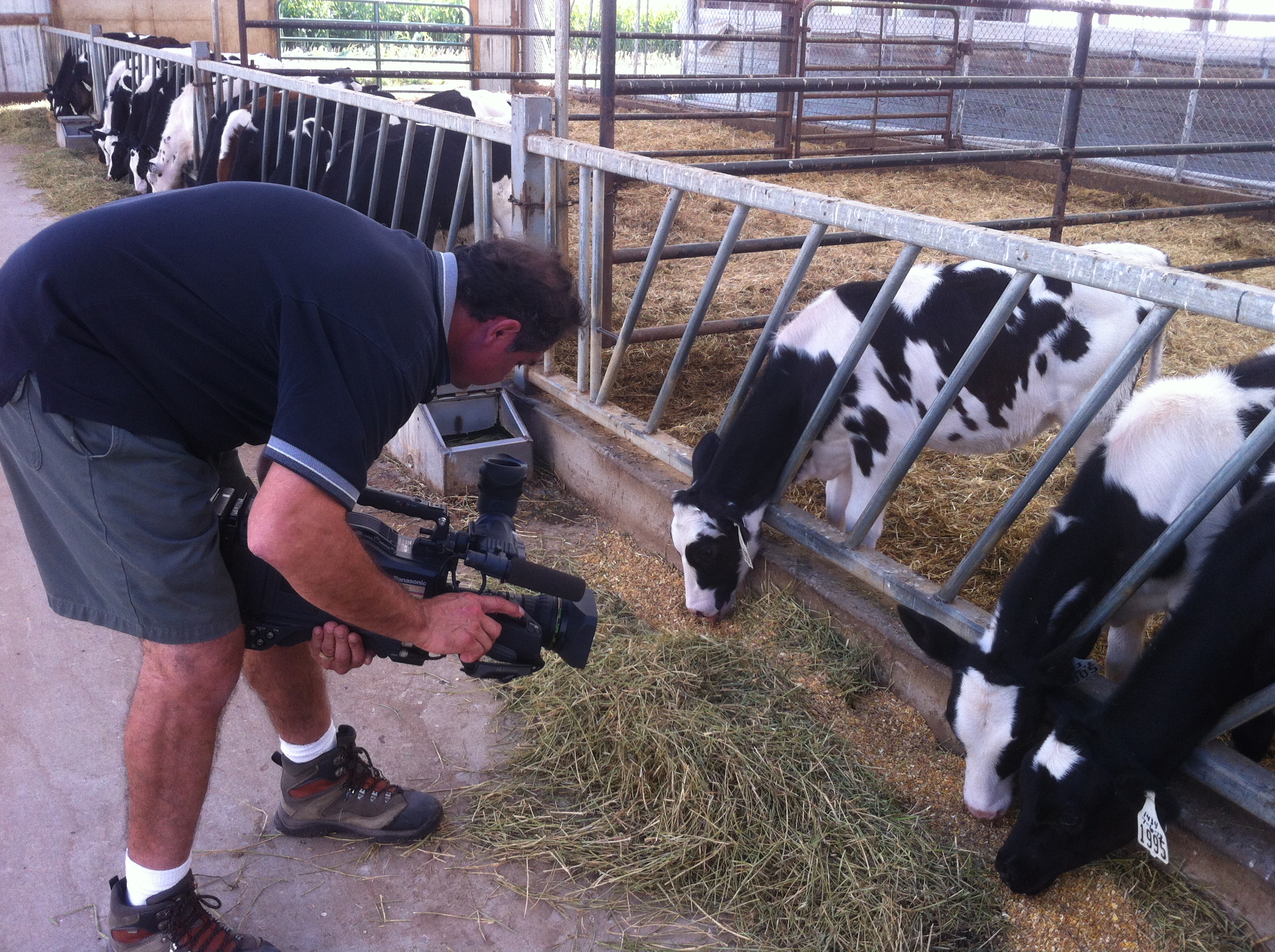
  • The customer in their real environment: entrances, signage, working shots, team interactions.
  • Process specifics: hands, tools, screens, product in use, whiteboards.
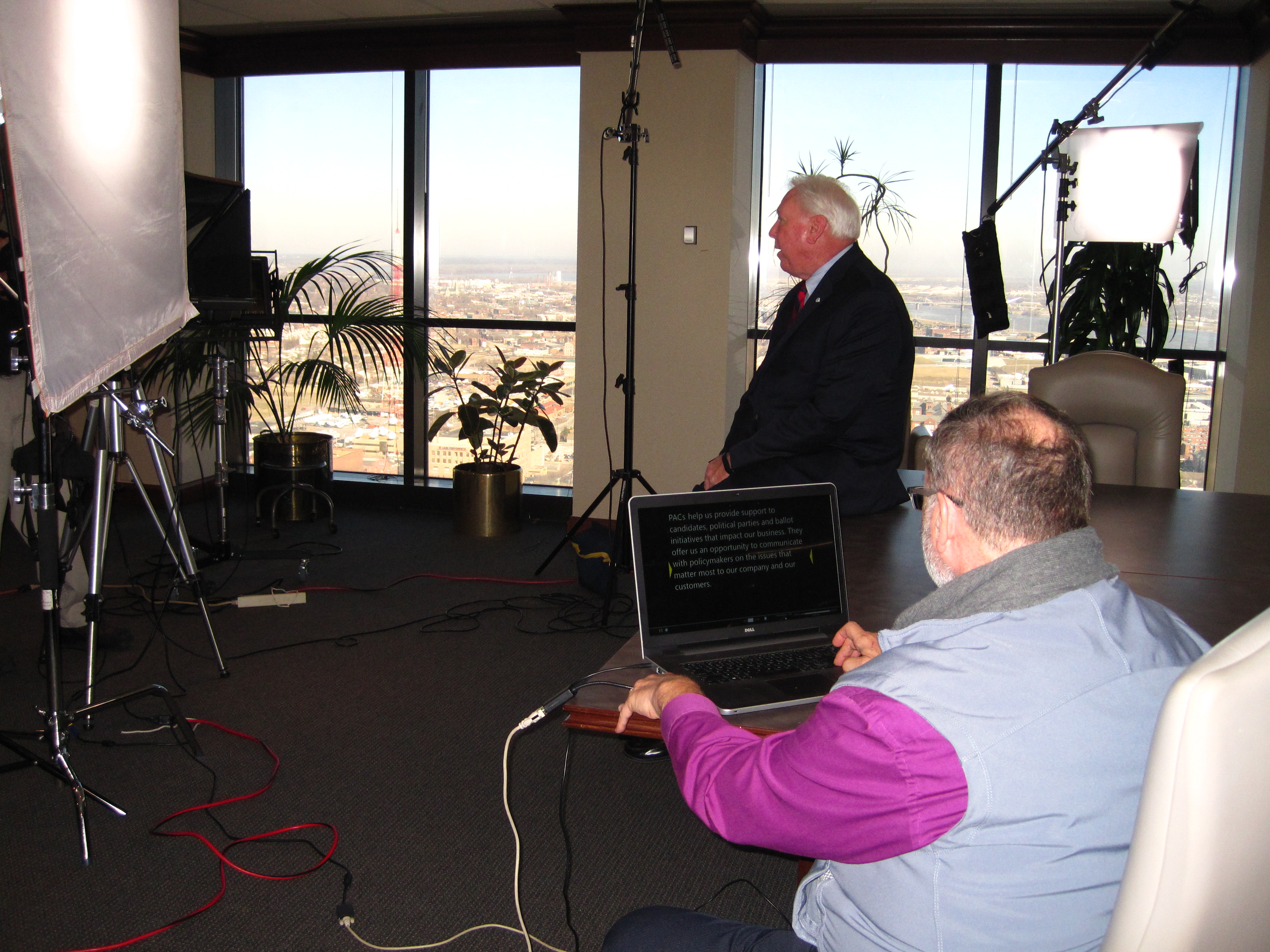
  • Relationship moments: our crew collaborating, reviewing takes, setting lights.
  • Dynamic establishing shots: smooth gimbal passes; where appropriate, indoor drone reveals for spatial context (with safety pilot, spotter, and facility approval).
  • Cutaways for edits: over-the-shoulders, detail inserts, reaction shots.

Compliance, releases, and claims discipline

  • Secure appearance/location releases and facility approvals ahead of time.
  • Keep outcomes truthful and reproducible; avoid absolute claims unless substantiated.
  • Confirm any confidentiality boundaries (no screens with sensitive data, badge blurring, PHI redaction where applicable).
  • Log titles and spellings for lower-thirds accuracy.

Editing & repurposing plan (turn one interview into many assets)

  • Master cut (60–120 seconds): the full story arc.
  • Paid/social cutdowns: 6s hook, 15s benefits, 30s “problem → outcome.”
  • Sales enablement: 45–60s objection-buster, feature demo + quote overlays.
  • Formats: 16:9, 1:1, 9:16 with open captions and burned-in branding.
  • AI-accelerated post: precise masking/cleanup, noise reduction, background extensions, colorways, and smart reframes to multiply outputs while preserving skin tones and materials.

Quality checklist for decision makers

  • Goals, audience, and primary CTA are documented.
  • Interviewee prepped with 6–10 custom questions and a one-line summary prompt.
  • Location scouted for sound, power, access, and brand fit; backup plan set.
  • Lighting plan approved (studio look vs. environmental).
  • Deliverables list locked (durations, ratios, captions, thumbnails, file specs).
  • Legal and brand approvals mapped with deadlines.

Example interview packs (copy/paste)

Starter 8-pack (general B2B)

  1. What problem were you trying to solve?
  2. What made us the right fit?
  3. How smooth was the rollout?
  4. One result you can quantify.
  5. One result your team felt.
  6. What hesitation did you have—and how was it resolved?
  7. What would you tell a peer considering us?
  8. Would you work with us again—why?

30-second cut template

  • Hook (the pain): “We were losing X because…”
  • Decision (the why): “We chose ____ for…”
  • Outcome (the proof): “In 60 days we saw…”
  • CTA-ish close: “If you need ____, talk to ____.”

Why this works

These questions map to how buyers make decisions: pain → fit → proof → risk removal → next step. You’ll capture authentic language, quantify outcomes, and arm marketing and sales with modular content that stays credible across channels.


About St Louis Camera Crew

St Louis Camera Crew is a full-service professional commercial photography and video production company with the right equipment and creative crew experience for successful image acquisition. We offer full-service studio and location video and photography, as well as editing, post-production, and licensed drone pilots. St Louis Camera Crew can customize your productions for diverse types of media requirements. Repurposing your photography and video branding to gain more traction is another specialty. We are well-versed in all file types, media styles, and accompanying software, and we use the latest in Artificial Intelligence across our media services. Our private studio lighting and visual setup is perfect for small productions and interview scenes, and our studio is large enough to incorporate props to round out your set. We support every aspect of your production—from setting up a private, custom interview studio to supplying professional sound and camera operators, as well as providing the right equipment—ensuring your next video production is seamless and successful. We can fly our specialized drones indoors. As a full-service video and photography production corporation since 1982, St Louis Camera Crew has worked with many businesses, marketing firms, and creative agencies in the St. Louis area for their marketing photography and video.
314-913-5626

stlouiscameracrew@gmail.com

What to Keep and What to Change When Re-Editing Videos: A Strategic Guide for Businesses and Marketers

In today’s fast-moving digital landscape, video content is not a one-and-done asset. Businesses often find themselves revisiting previously produced videos—either to breathe new life into evergreen material, reflect brand updates, or repackage content for different platforms and audiences. The question then becomes: what should you keep, and what should you change when re-editing videos?

As experienced videographers, editors, and producers at St Louis Camera Crew, we’ve guided countless organizations through the re-editing process. In this blog, we’ll walk you through a professional framework for making strategic decisions that preserve value while elevating your content’s relevance and performance.


The Value of Re-Editing Existing Video Content

Before diving into the tactical aspects, it’s important to understand the “why.” Re-editing is not just about cutting costs—though it can certainly save on budget. It’s about repurposing strong foundational material for new goals. This might include:

  • Adapting long-form interviews into bite-sized social clips
  • Swapping outdated visuals while retaining solid audio and messaging
  • Updating call-to-actions, branding, or motion graphics
  • Localizing content for regional markets or industries

With a clear objective in mind, you can then evaluate what to retain versus what to transform.


What to Keep in Re-Edited Videos

1. High-Quality B-Roll and Cinematic Footage

If the original video features professionally shot visuals—drone footage, timelapses, lifestyle imagery—these elements often remain timeless and can add production value to new edits.

2. Strong Soundbites and Interviews

Well-delivered interview clips or voiceovers should be preserved when the messaging is still relevant. Editing around these moments can offer structure and storytelling continuity.

3. Authentic Testimonials or Case Studies

Real customer stories rarely go out of style. If the testimonial remains relevant, keep it. Updating supporting visuals can refresh its impact without losing credibility.

4. On-Brand Music or Narration

If the music or narration still fits your tone, there’s no need to reinvent the wheel. But make sure music licensing is up-to-date and voiceover quality is consistent with your current production values.


What to Change in Re-Edited Videos

1. Outdated Branding or Logos

Your brand identity evolves—so should your visuals. Swap in updated logos, color palettes, fonts, and motion graphics that align with your current style guide.

2. Old or Irrelevant Call-to-Actions

If your CTA still references a past campaign, event, or contact method, revise it. Modern viewers expect clarity, and your call-to-action should drive today’s marketing goals.

3. Low-Resolution or Poorly Framed Shots

A shaky handheld clip from five years ago can bring down the polish of a new edit. Replace these with fresh visuals, even if it means reshooting brief sequences or incorporating stock footage.

4. Pacing and Format for New Platforms

What worked on YouTube in 2019 may not work on TikTok or LinkedIn today. Re-edit with platform-specific needs in mind—shorter durations, vertical orientation, captions, and faster cuts are now common.

5. Compliance and Legal Updates

Ensure that all content—especially testimonials, product claims, or regulated industries like healthcare and finance—meets current standards and includes necessary disclaimers or legal language.


Pro Tip: Use AI and Analytics to Guide Re-Editing Decisions

Modern AI-powered tools can now analyze viewer engagement, helping you identify which moments retain attention and which cause drop-offs. Use this data when re-editing to fine-tune video structure and message delivery.


Partnering with Professionals for Seamless Re-Edits

Re-editing may sound simpler than starting from scratch—but it often requires just as much strategic thought, technical precision, and creative insight. At St Louis Camera Crew, we specialize in transforming existing footage into new, effective content that resonates with modern audiences.

Whether you need:

  • Updated brand animations and titles
  • Expert interview trimming and reframing
  • Color grading to match new footage
  • Re-packaged video for specific platforms
  • Studio-grade sound and visual enhancements

—we’re here to help you make the most of your content investment.


Why Work with St Louis Camera Crew?

St Louis Camera Crew is a full-service professional commercial photography and video production company with the experience and creative talent needed for successful image acquisition. We provide studio and location photography and video, editing, post-production, and licensed drone services.

We tailor each production to your specific media requirements, helping you repurpose photography and video content to extend its value. Our team is fluent in all file types and editing platforms, and we implement the latest in Artificial Intelligence technology to streamline and enhance our services.

Our private studio setup is ideal for custom interview scenes or small-scale productions, complete with space for props and stylized lighting. Whether you need a sound operator, a drone pilot for indoor scenes, or a full camera crew, St Louis Camera Crew has the gear, people, and vision to bring your project to life.

Since 1982, we’ve worked with countless businesses, marketing firms, and creative agencies in the St. Louis area. Let us help you reimagine your video content with clarity, creativity, and precision.

314-913-5626

stlouiscameracrew@gmail.com

Tips for Writing a Script That Engages Your Viewers: A Guide for Effective Corporate Video Production

Creating a compelling corporate video begins long before the cameras start rolling. One of the most essential aspects of video production is writing a script that captivates and engages your audience from start to finish. Whether you’re showcasing a product, sharing customer testimonials, or telling your brand’s story, a well-crafted script can make all the difference in how your message resonates with your viewers.

When writing your script, include cues for what should be seen on screen at any given moment. Whether it’s B-roll footage, close-ups, or text overlays, visual cues will help the production team understand the vision and ensure your message is conveyed clearly.

In this guide, we’ll walk you through the key steps to writing an effective and engaging script that not only captivates your audience but also drives the action you want them to take. From structure to tone, these tips will help you produce a script that communicates your message clearly, creatively, and effectively.

1. Understand Your Audience

Before you put pen to paper, take the time to understand your target audience. The tone, language, and messaging of your video will vary depending on whether you’re addressing executives, employees, potential clients, or the general public. Knowing your audience allows you to tailor the script to their specific needs, pain points, and interests, which will ultimately help in keeping them engaged throughout the video.

2. Define Your Goal

Every video should have a clear objective. Are you trying to generate leads? Increase brand awareness? Educate your audience about a new product? Defining your goal upfront helps keep the script focused and ensures that every scene and dialogue contributes to the ultimate purpose. Whether it’s informing, persuading, or entertaining, keep your goal in mind as you draft the script.

3. Hook Your Audience Early

The first 10-20 seconds of your video are crucial in grabbing your viewers’ attention. Start strong with a compelling hook—whether it’s an intriguing question, a surprising statistic, or an emotional appeal. A strong opening will motivate your audience to stay engaged and continue watching.

4. Create a Strong Structure

A clear structure is vital for keeping your viewers on track. A good script follows a logical progression that includes:

  • Introduction: Briefly introduce the topic and establish relevance.
  • Problem or Need: Present the problem your audience faces or the need your product/service solves.
  • Solution: Showcase how your brand, product, or service can address that problem or need.
  • Call to Action: End with a strong and clear call to action that guides viewers toward the next step.

The structure should build momentum, with each part leading seamlessly into the next. Keeping the flow natural helps maintain the viewer’s attention and ensures they understand your message.

5. Focus on Conciseness and Clarity

While storytelling can be powerful, it’s important not to overcomplicate your script. Corporate videos, especially those used for marketing or training purposes, need to be direct and to the point. Avoid jargon and keep sentences short and simple. Viewers tend to lose interest if they feel like the message is being overexplained. Your script should deliver its message clearly without excessive fluff or filler.

6. Incorporate a Consistent Brand Voice

Your video should reflect your brand’s personality, whether it’s professional, friendly, humorous, or authoritative. Maintaining a consistent voice throughout the script will help reinforce your brand’s identity. Make sure the language, tone, and pacing reflect the culture of your company while still being appropriate for your target audience.

7. Engage Emotionally

One of the most powerful ways to engage viewers is through emotion. Whether you’re telling a customer’s success story or showcasing your company’s mission, connecting emotionally with your audience will make the message more memorable. People remember how you make them feel, and emotional connections often translate into action.

8. Include Visual Cues

Remember, a script is not just for the voiceover or on-screen text—it’s a blueprint for the visuals as well. When writing your script, include cues for what should be seen on screen at any given moment. Whether it’s B-roll footage, close-ups, or text overlays, visual cues will help the production team understand the vision and ensure your message is conveyed clearly.

9. Edit and Refine

Once you’ve completed the first draft, step back and review your script. Are there any areas where you could simplify or clarify the message? Could certain scenes be condensed to keep the video more engaging? It’s important to refine your script by removing unnecessary content and tightening up the language. A great script is often the result of several revisions.

10. Test Your Script

Before moving on to production, test your script with a small audience. This could be a group of colleagues or a trusted client. Gather feedback and see how they respond to the messaging, pacing, and tone. Use this feedback to make any final adjustments to ensure the script resonates with your broader audience.

How St Louis Camera Crew Can Help

At St Louis Camera Crew, we are a full-service professional commercial photography and video production company with years of experience in crafting high-quality, engaging videos. Our team of skilled professionals offers expert guidance and execution throughout every stage of your production—from script writing and planning to filming and post-production.

Whether you need a custom video for internal training, marketing, or a special event, we have the right equipment and creative crew to bring your vision to life. We offer full-service studio and location video and photography, complete with editing, post-production, and licensed drone pilots to provide stunning aerial shots for your projects.

Our private studio features customizable lighting and visual setups that are perfect for small productions, interviews, and shoots that require precise control. Plus, our team can fly specialized drones indoors to capture breathtaking footage from unique angles. No matter the scale or complexity of your project, we provide everything you need, from sound and camera operators to equipment and set design, to make your video production a success.

Since 1982, St Louis Camera Crew has worked with a wide range of businesses, marketing firms, and agencies in the St. Louis area, helping them repurpose their photography and video branding to gain more traction. We are well-versed in all file types and media styles, and our extensive experience ensures that your project will be tailored to meet your unique media requirements. Let St Louis Camera Crew help you create engaging corporate videos that leave a lasting impression on your audience.

314-913-5626

stlouiscameracrew@gmail.com